Vela
Client: Self directed
Role: UX/UI, Visual Design
Date: Oct 2022


Designing Safety and Community for Outdoor Swimmers
Designing Safety and Community for Outdoor Swimmers
This was a solo bootcamp project that I took part in from July to October in 2022 for my CareerFoundry UX Immersion.
This was a solo bootcamp project that I took part in from July to October in 2022 for my CareerFoundry UX Immersion.
The Challenge: Mitigating Risk
The Challenge: Mitigating Risk
Outdoor swimming is exploding in popularity but remains an inherently risky activity. Unlike running or cycling swimmers face hidden dangers like rapidly changing water conditions, unpredictable weather, and isolated locations. Existing weather apps weren't built for this context, leaving enthusiasts to patch together information from multiple sources, leading to anxiety and unsafe situations. The challenge wasn't just to design another fitness app, but to build a trusted safety tool that swimmers could rely on with their well being.
Outdoor swimming is exploding in popularity but remains an inherently risky activity. Unlike running or cycling swimmers face hidden dangers like rapidly changing water conditions, unpredictable weather, and isolated locations.
Existing weather apps weren't built for this context, leaving enthusiasts to patch together information from multiple sources, leading to anxiety and unsafe situations. The challenge wasn't just to design another fitness app, but to build a trusted safety tool that swimmers could rely on with their well being.
The Solution: A Safety First Companion
The Solution: A Safety First Companion
I led this project from concept to a high-fidelity prototype using a rigorous, user centric process to ensure the solution was both desirable and viable.
I led this project from concept to a high-fidelity prototype using a rigorous, user centric process to ensure the solution was both desirable and viable.
1. Uncovering the Core Needs
I began by moving beyond assumptions. Through remote interviews with a diverse range of swimmers, I uncovered that the core need wasn't just data—it was confidence. Swimmers wanted to feel secure, both in their environment and in their social connections. Key insights that directly shaped the product strategy included:
Safety as a Non-Negotiable: Live, hyper-local alerts for weather and water conditions were the highest priority.
The Power of Trusted Community: Recommendations needed to come from experienced, unbiased peers, not algorithms.
Mobile first: The entire experience needed to be seamless on mobile, from planning at home to checking conditions at the shore.
1. Uncovering the Core Needs
I began by moving beyond assumptions. Through remote interviews with a diverse range of swimmers, I uncovered that the core need wasn't just data—it was confidence. Swimmers wanted to feel secure, both in their environment and in their social connections. Key insights that directly shaped the product strategy included:
Safety as a Non-Negotiable: Live, hyper-local alerts for weather and water conditions were the highest priority.
The Power of Trusted Community: Recommendations needed to come from experienced, unbiased peers, not algorithms.
Mobile first: The entire experience needed to be seamless on mobile, from planning at home to checking conditions at the shore.
2. Framing the Problem
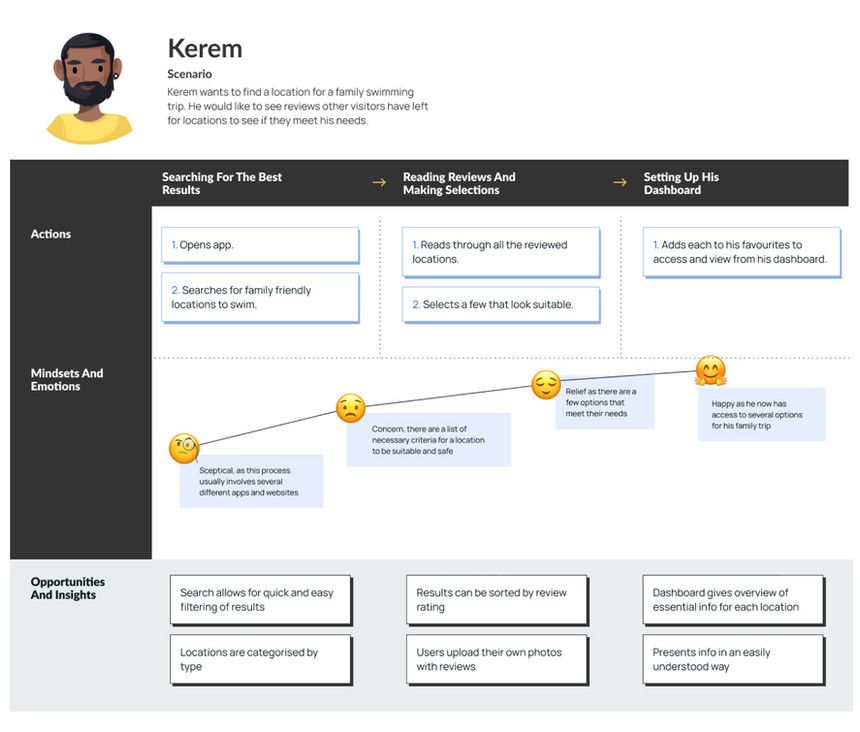
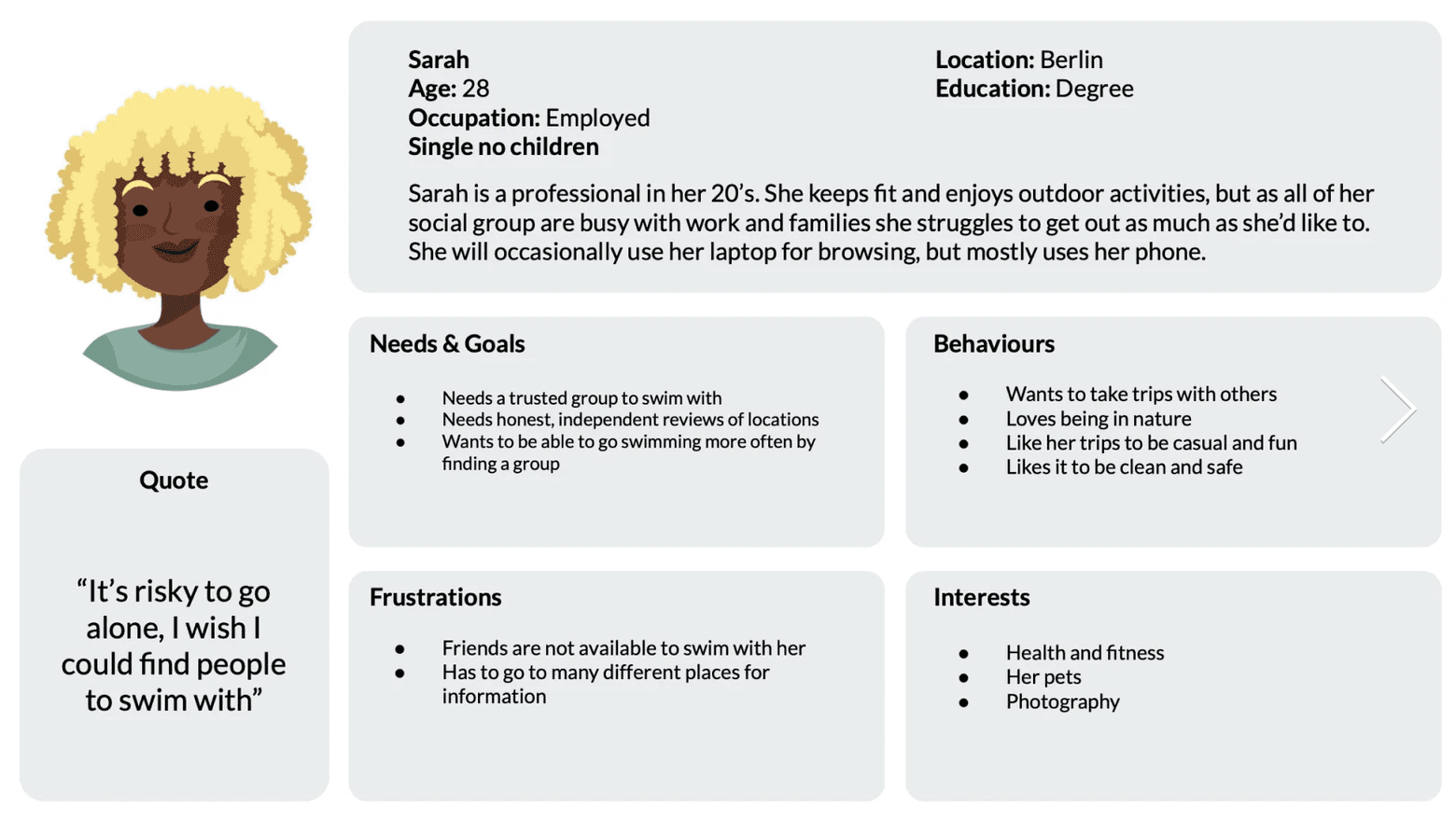
To ensure everything remained aligned, I converted the research into three actionable personas and their corresponding journey maps. This was crucial for identifying critical pain points and opportunity gaps, such as the anxiety of arriving at a location only to find conditions were unsafe. These artifacts became our north star, ensuring every design decision was tied back to a real user goal.
2. Framing the Problem
To ensure everything remained aligned, I converted the research into three actionable personas and their corresponding journey maps. This was crucial for identifying critical pain points and opportunity gaps, such as the anxiety of arriving at a location only to find conditions were unsafe. These artifacts became our north star, ensuring every design decision was tied back to a real user goal.
3. Iterative Design and Validation
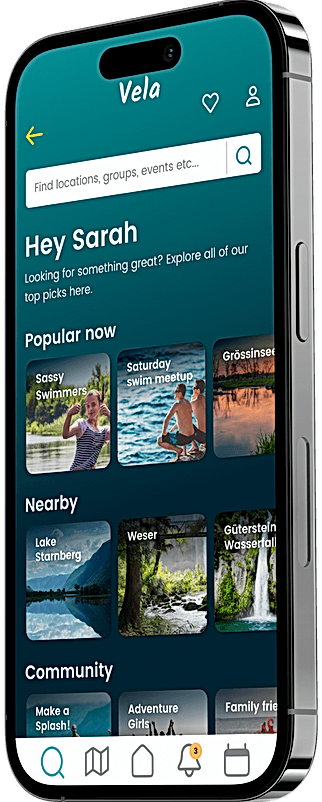
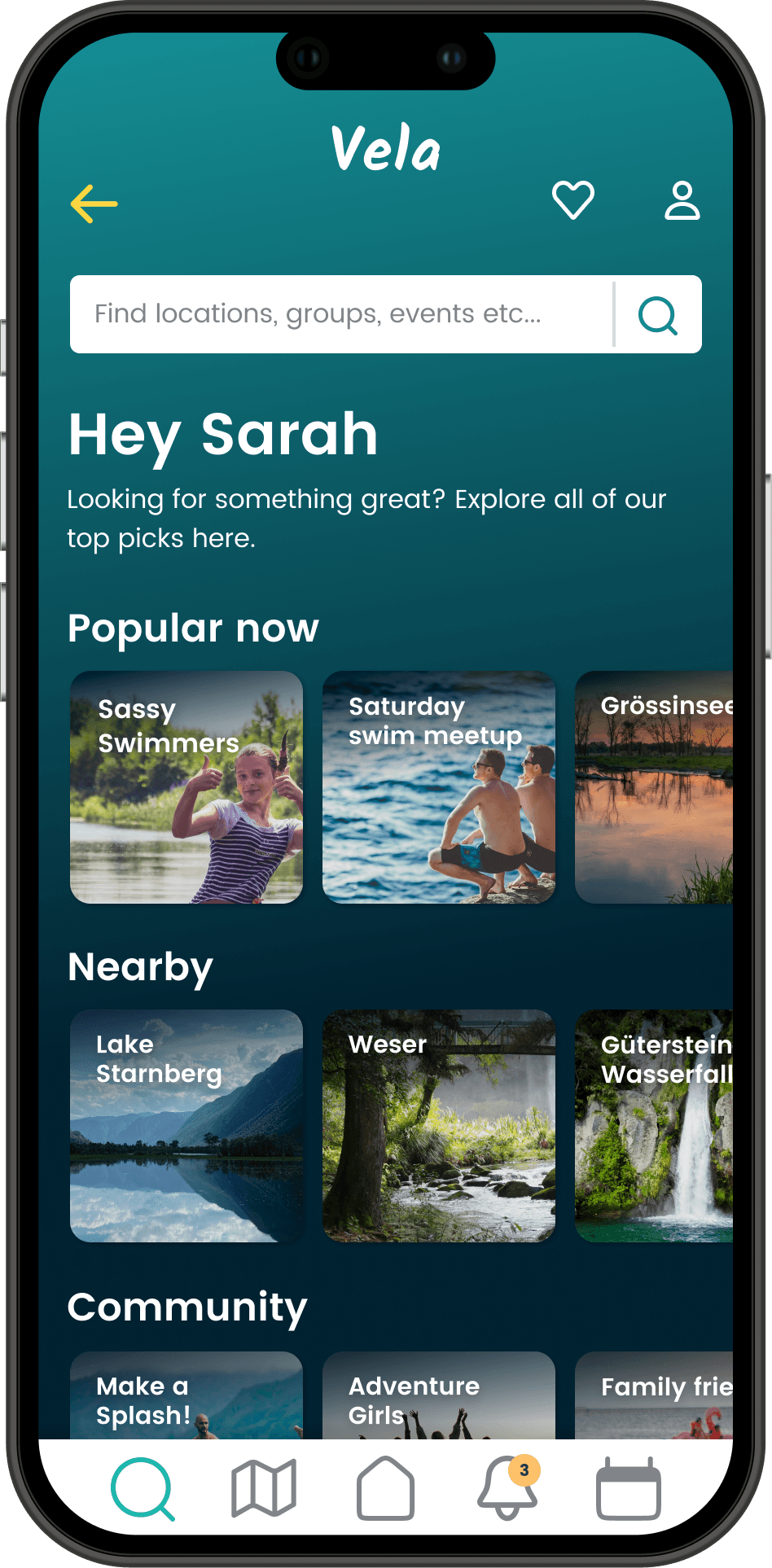
I translated these insights into a tangible product strategy focused on three pillars: Discover, Plan, and Connect.
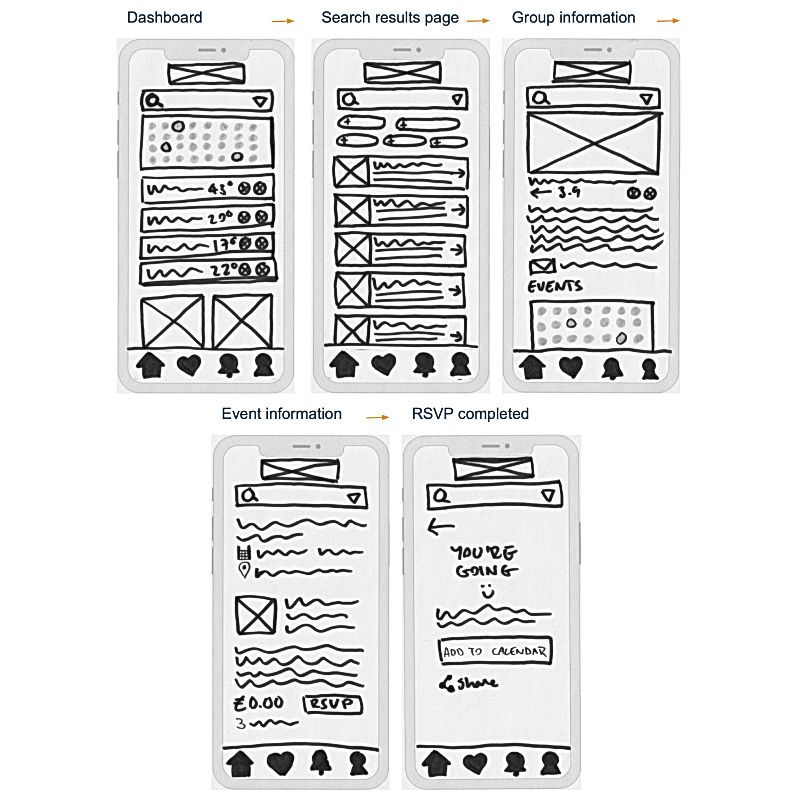
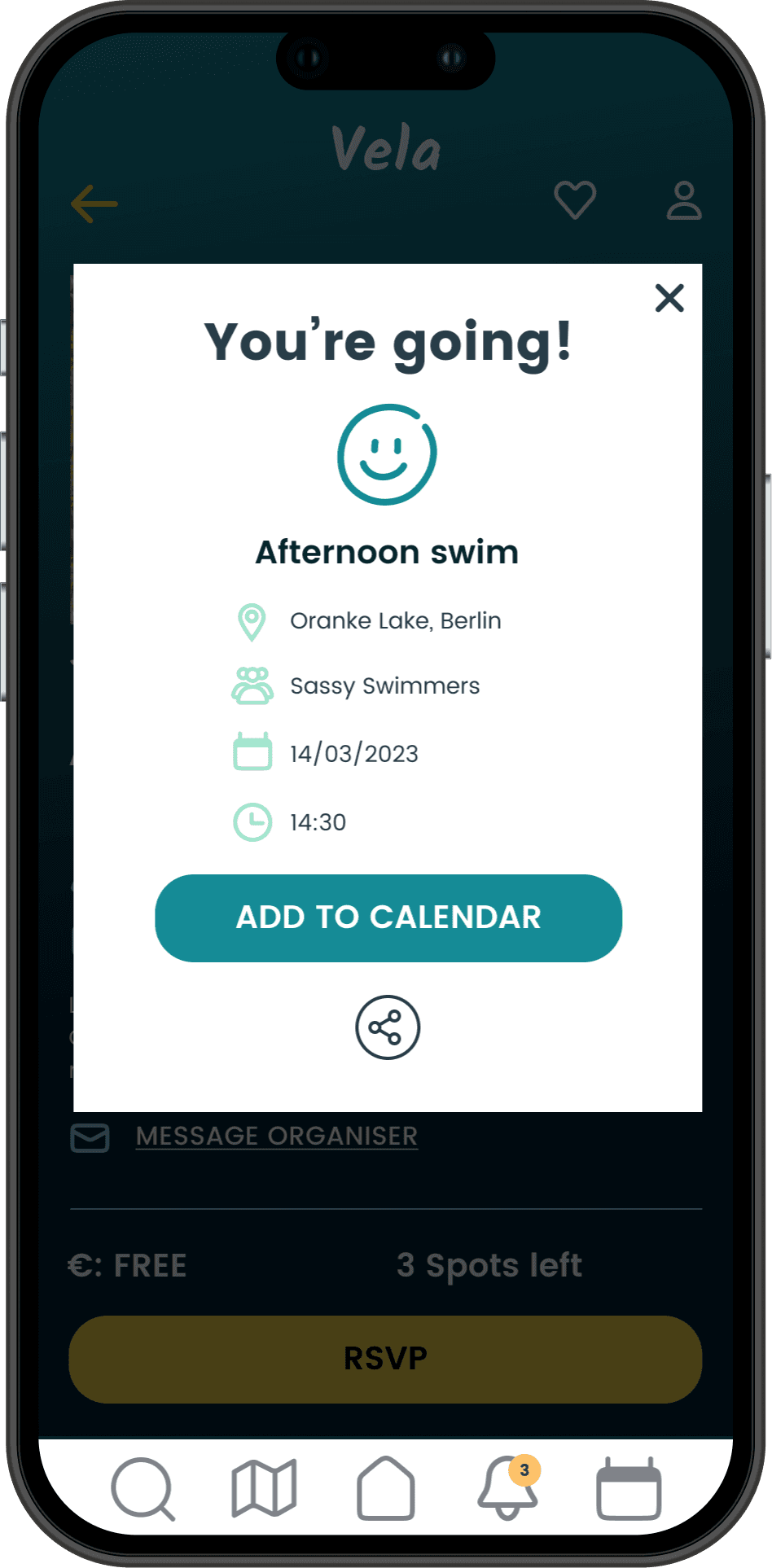
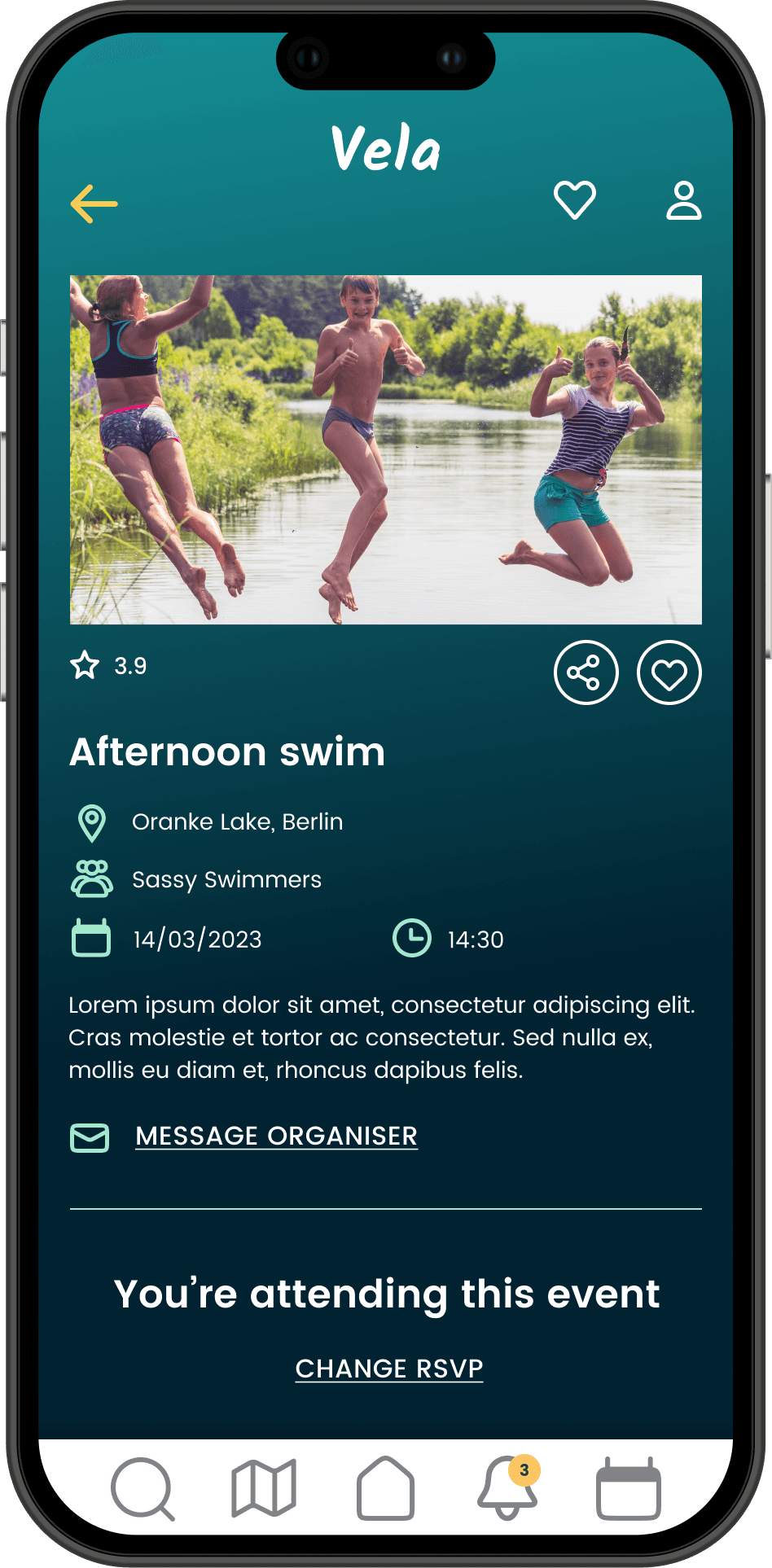
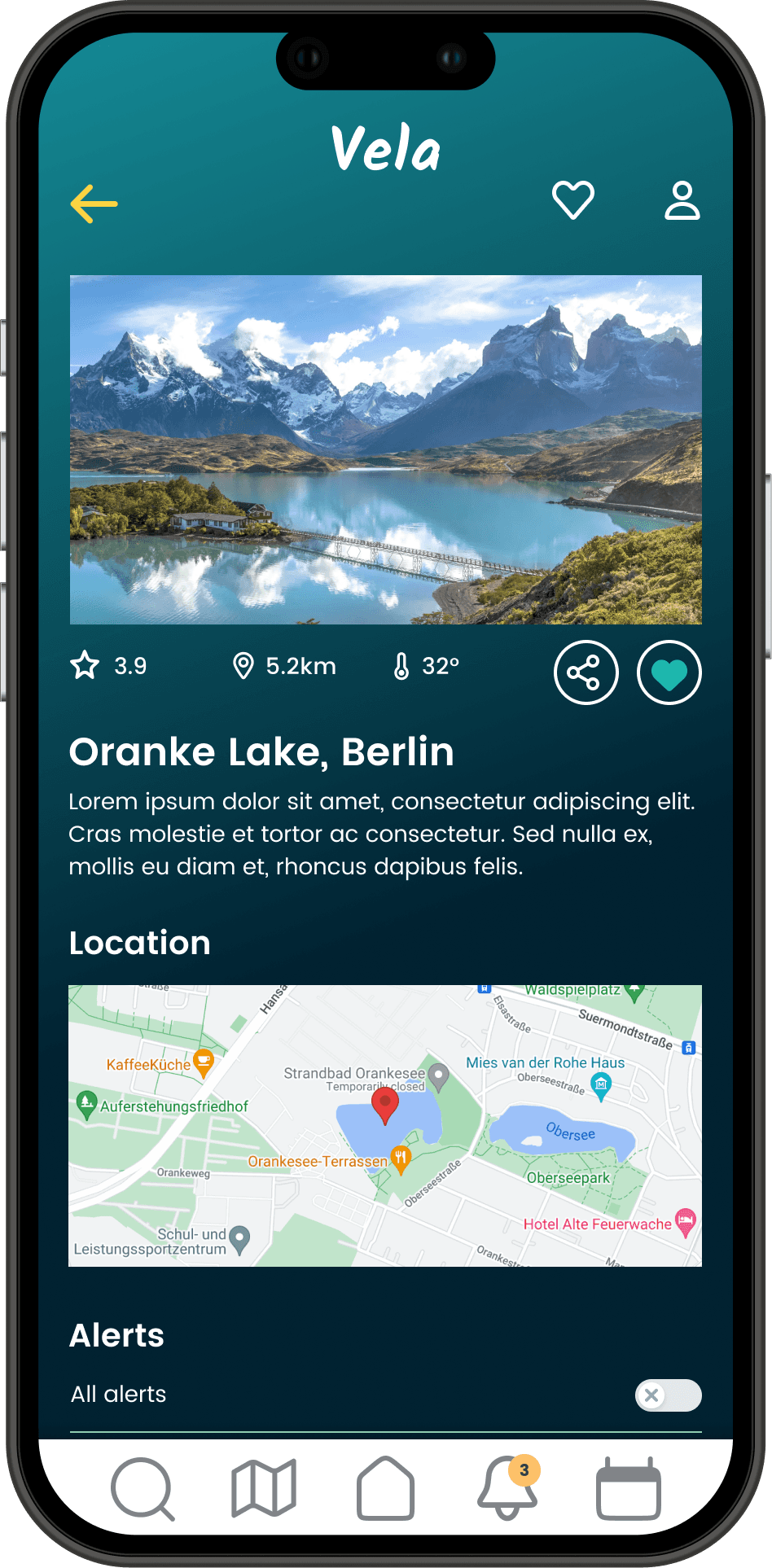
Structuring the Experience: I architected the key user flows for finding swim spots, tracking conditions, and managing group events. This foundational IA ensured the app felt intuitive, not overwhelming.
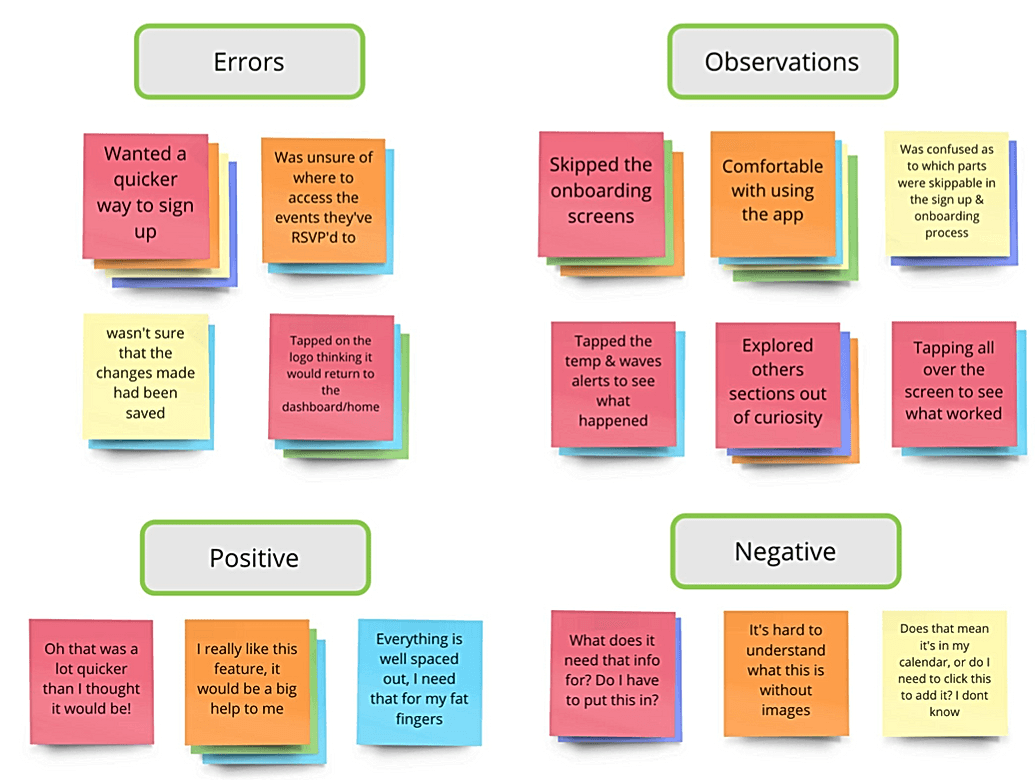
Testing to Learn, Not Just to Validate: I conducted 6 rounds of usability testing with a mid fidelity Figma prototype. This wasn't just an exercise; it was a crucial learning phase. For example when a third of users couldn't find their RSVP'd events, I didn't just fix the label, I reevaluated the entire dashboard's information architecture. This iterative, test and learn approach allowed me to solve fundamental UX issues before a single line of code was written.
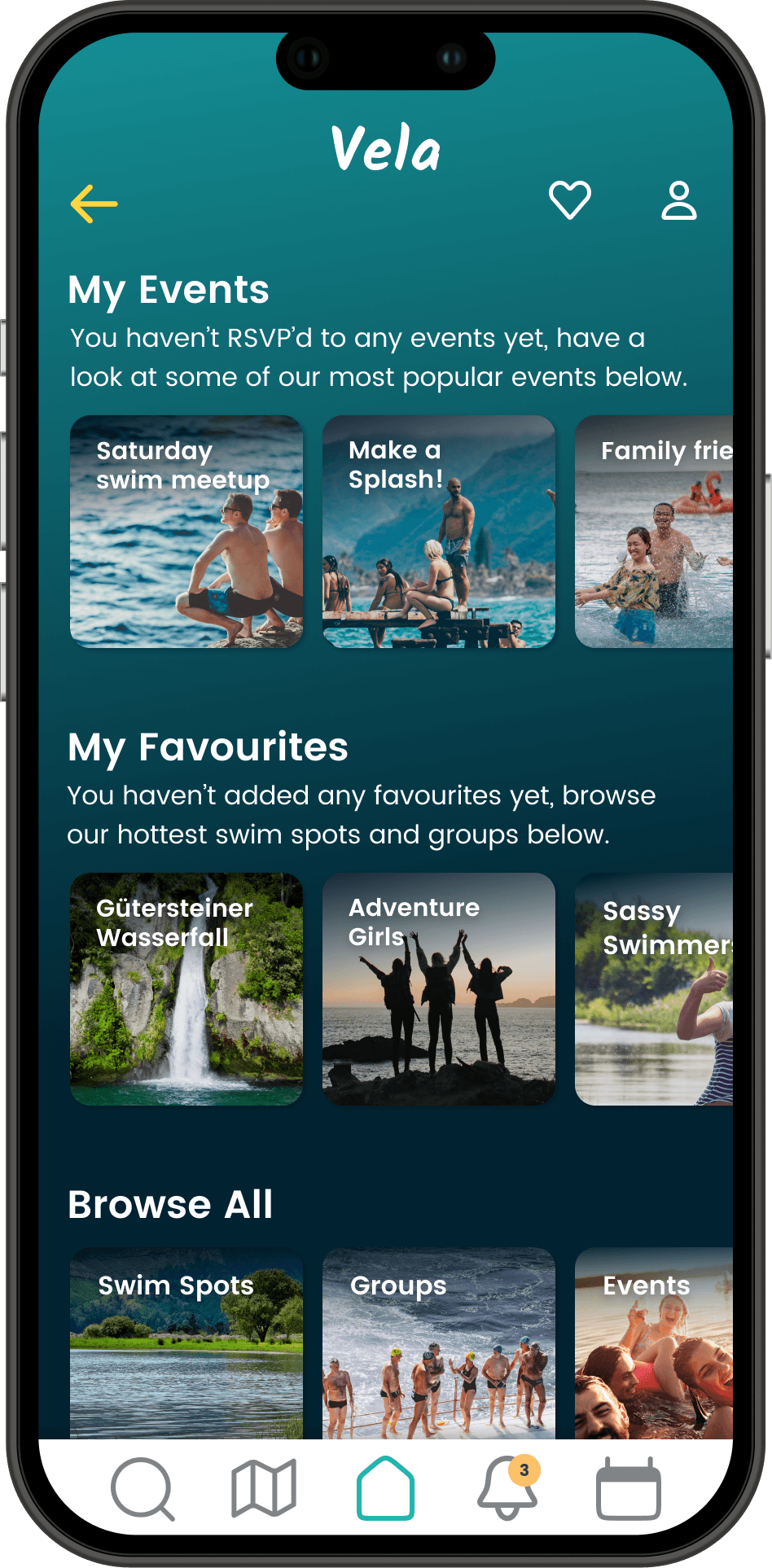
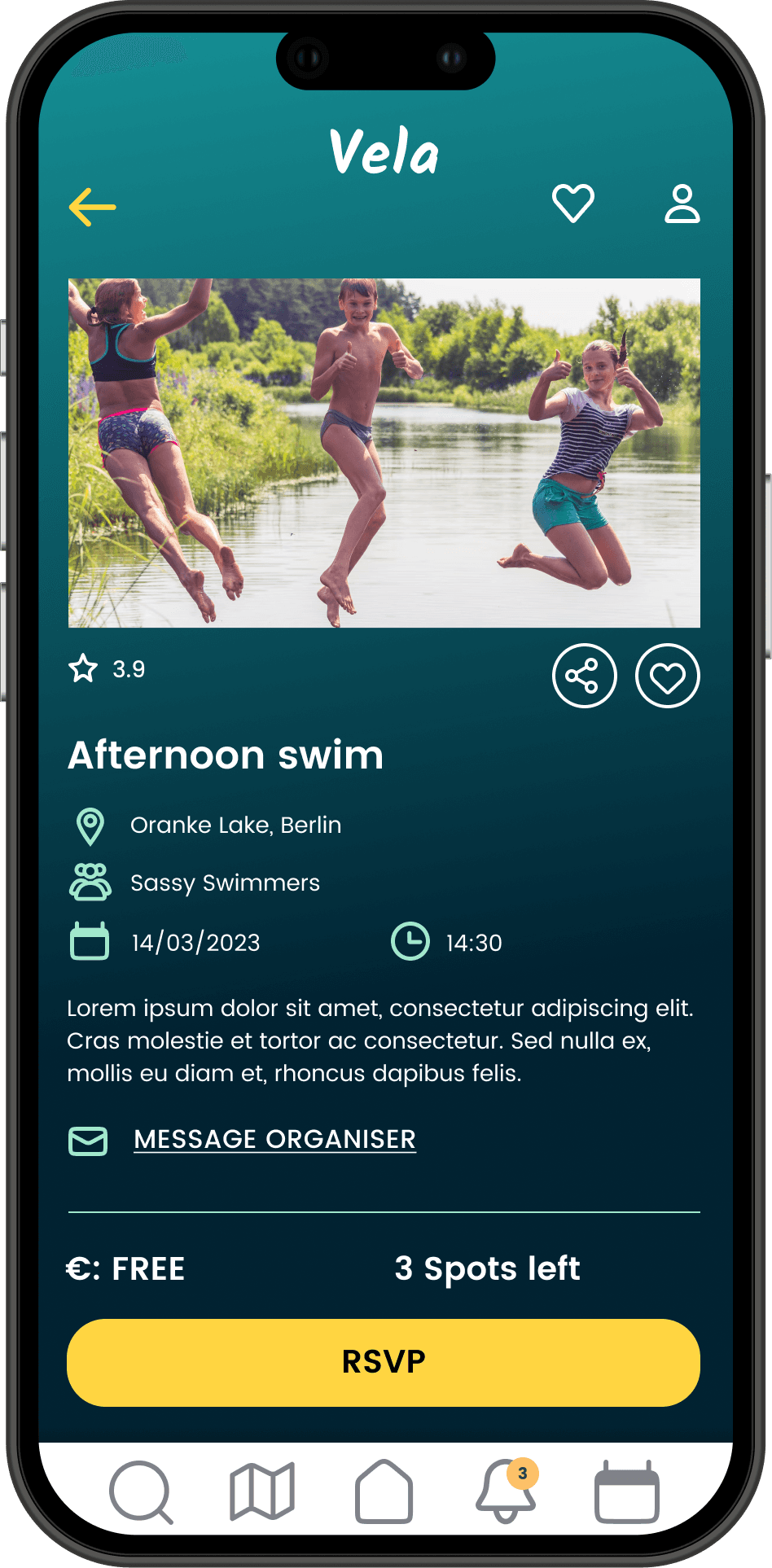
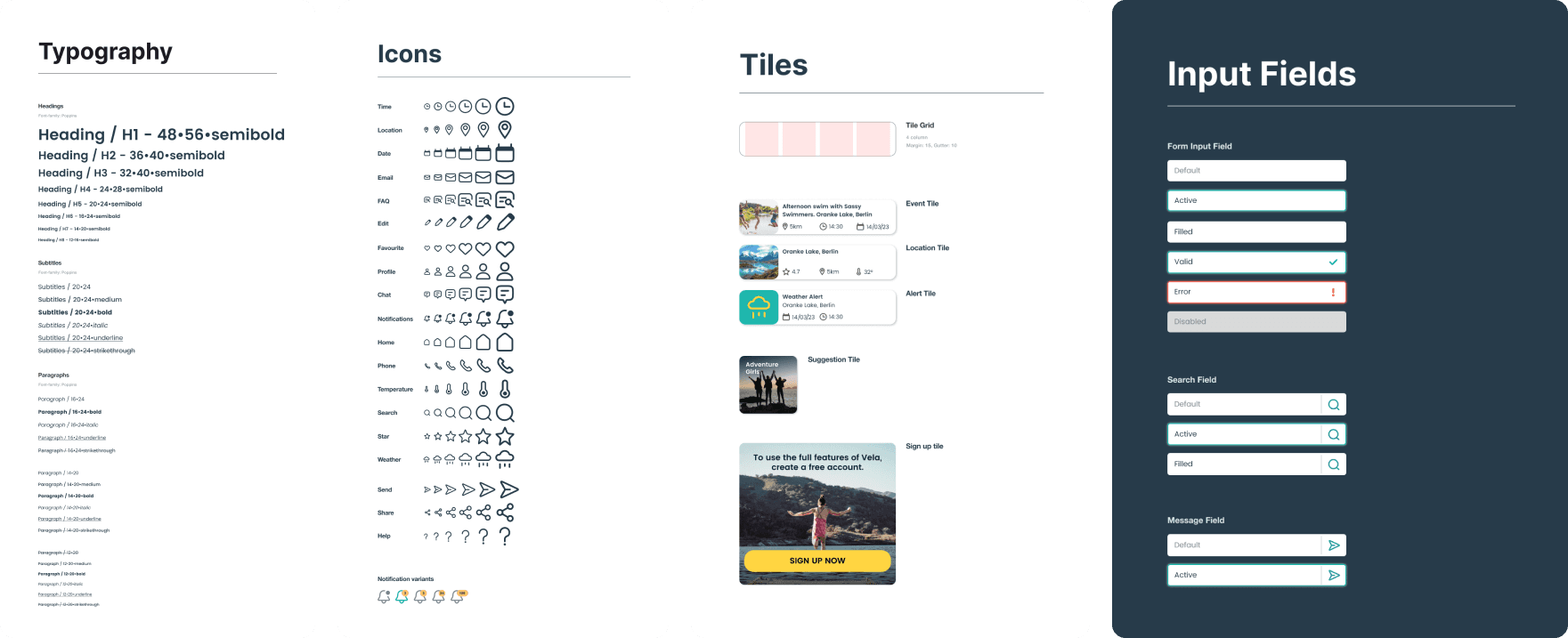
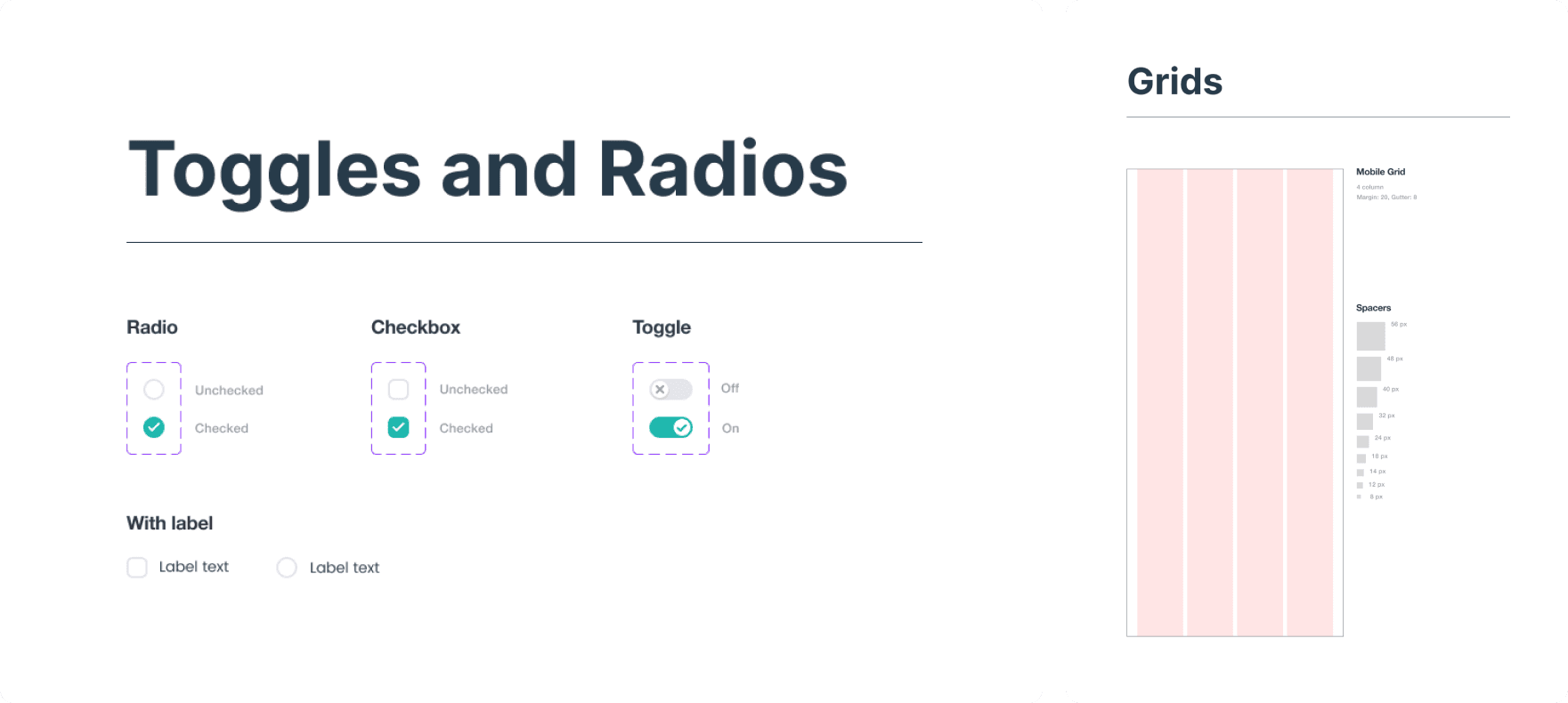
Crafting a Trustworthy Brand: The visual design was intentionally crafted to counterbalance the app's serious purpose. The UI evokes feelings of calm, confidence and adventure, like a trusted guide. Following Material Design guidelines ensured a familiar accessible foundation on which I built a custom design system for scalability and consistency.
3. Iterative Design and Validation
I translated these insights into a tangible product strategy focused on three pillars: Discover, Plan, and Connect.
Structuring the Experience: I architected the key user flows for finding swim spots, tracking conditions, and managing group events. This foundational IA ensured the app felt intuitive, not overwhelming.
Testing to Learn, Not Just to Validate: I conducted 6 rounds of usability testing with a mid fidelity Figma prototype. This wasn't just an exercise; it was a crucial learning phase. For example when a third of users couldn't find their RSVP'd events, I didn't just fix the label, I reevaluated the entire dashboard's information architecture. This iterative, test and learn approach allowed me to solve fundamental UX issues before a single line of code was written.
Crafting a Trustworthy Brand: The visual design was intentionally crafted to counterbalance the app's serious purpose. The UI evokes feelings of calm, confidence and adventure, like a trusted guide. Following Material Design guidelines ensured a familiar accessible foundation on which I built a custom design system for scalability and consistency.
Design system
Design system
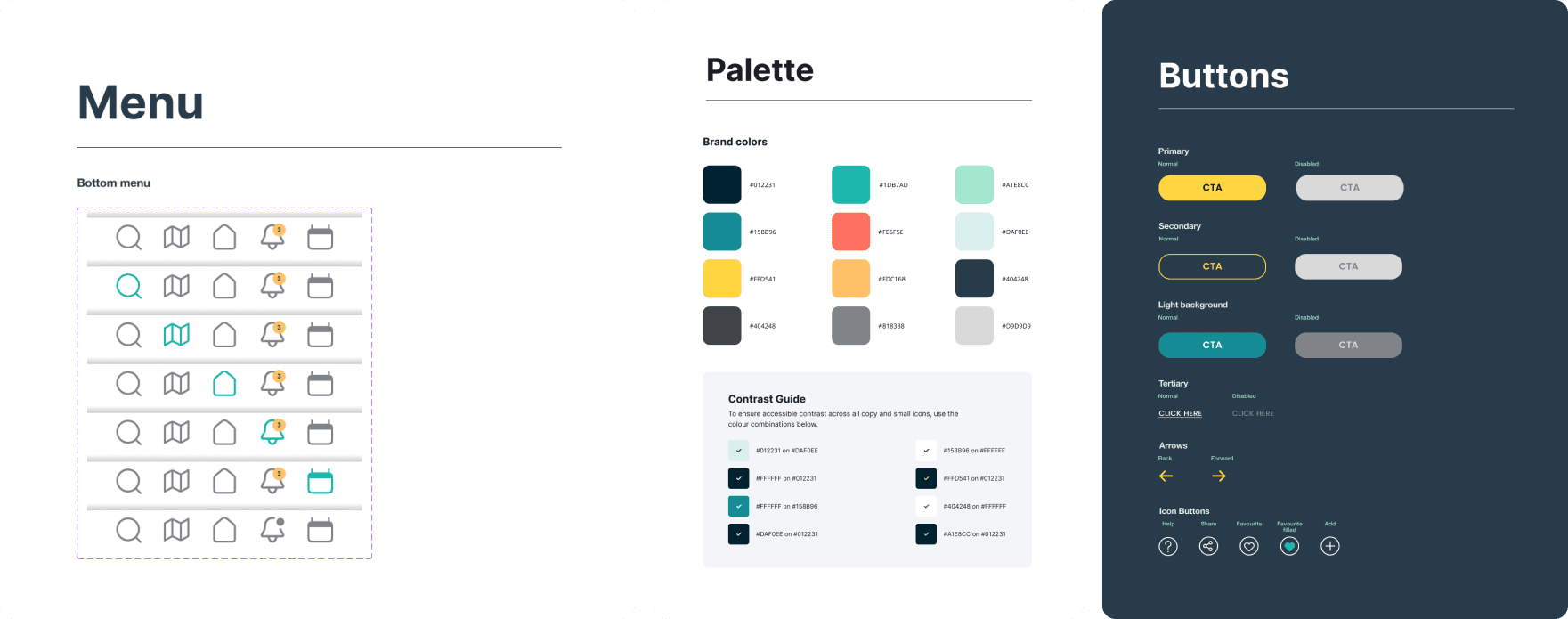
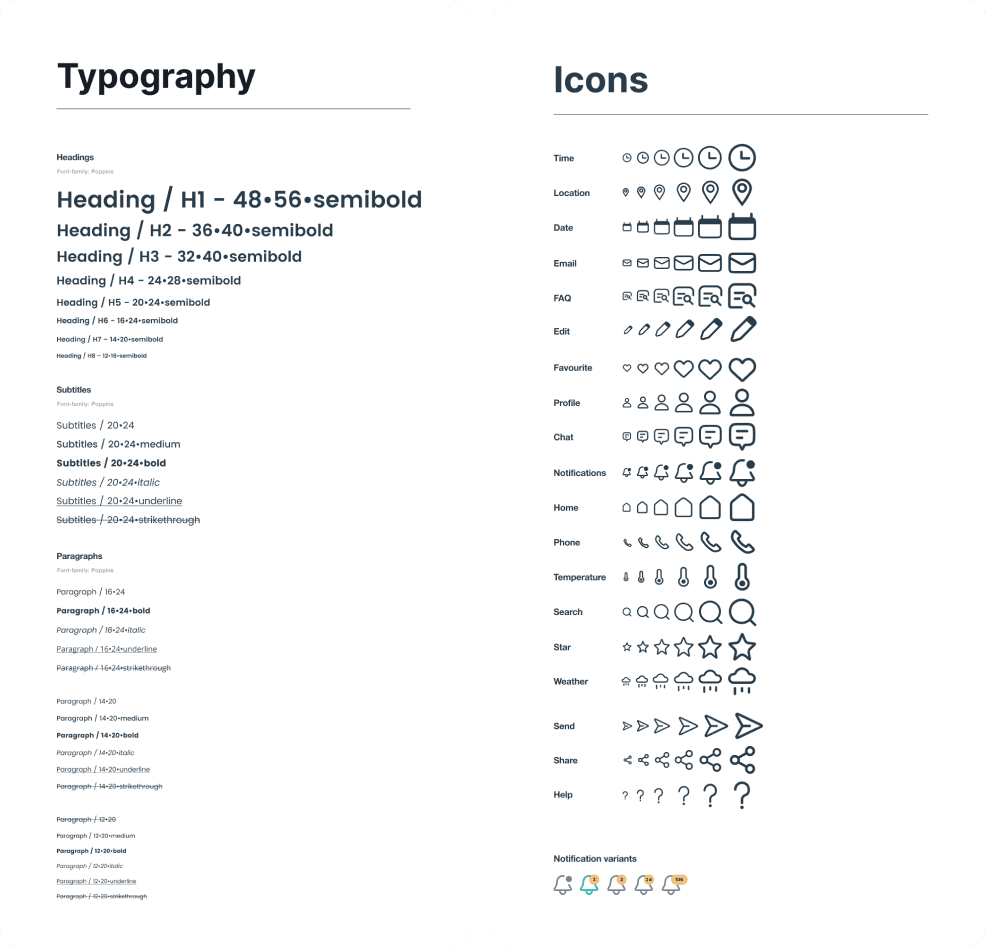
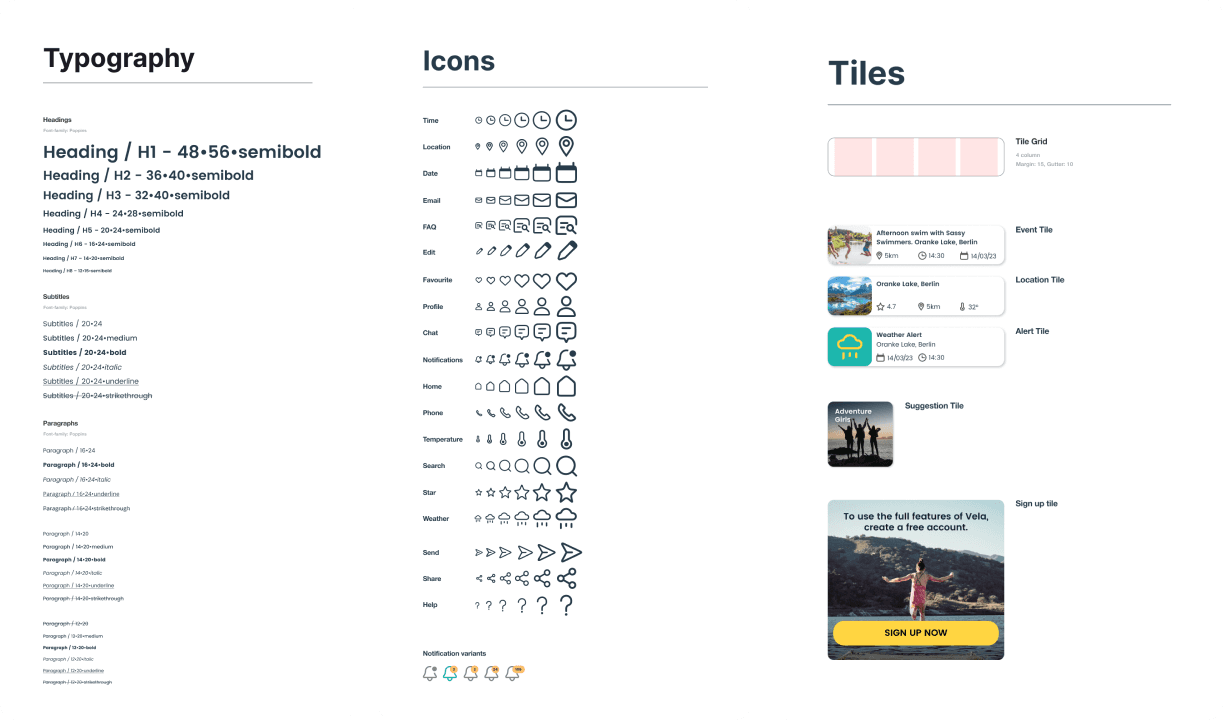
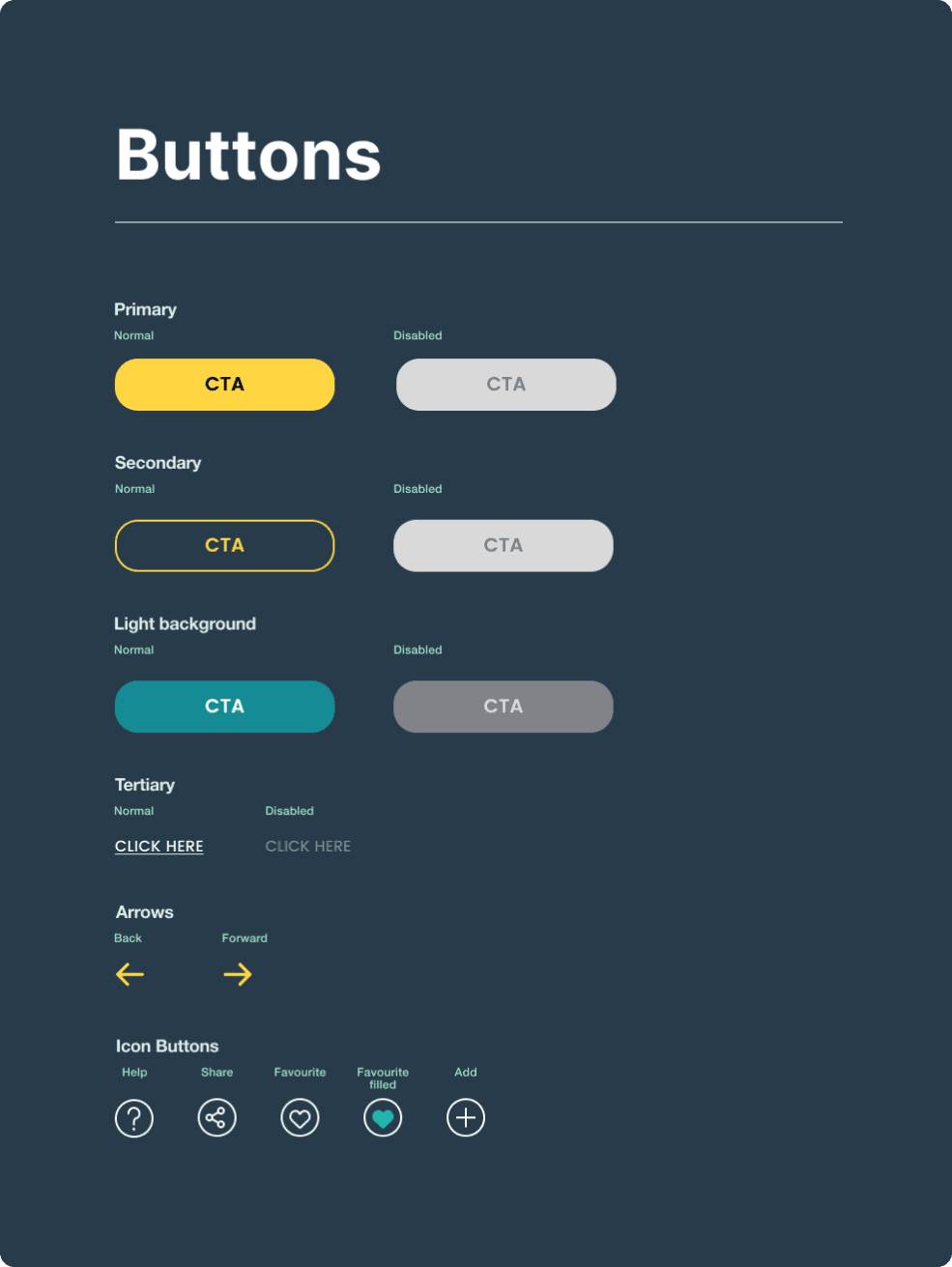
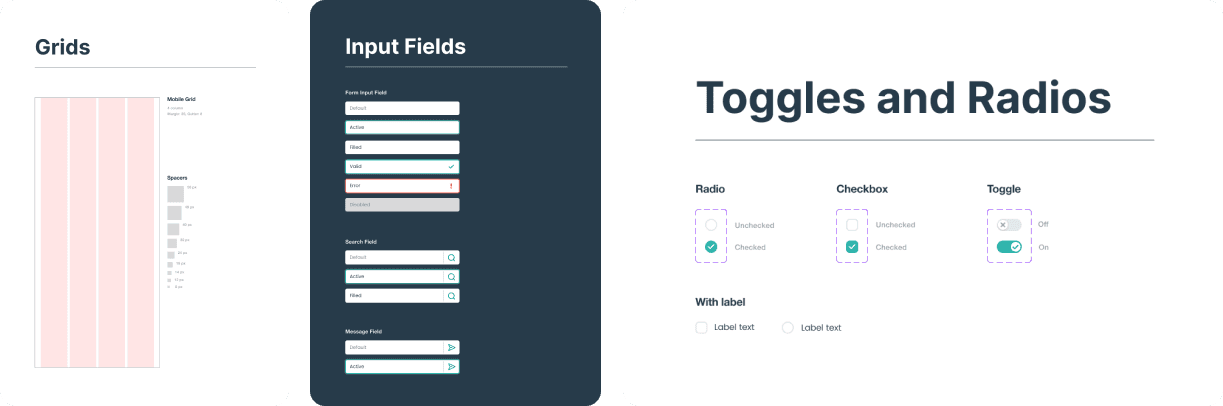
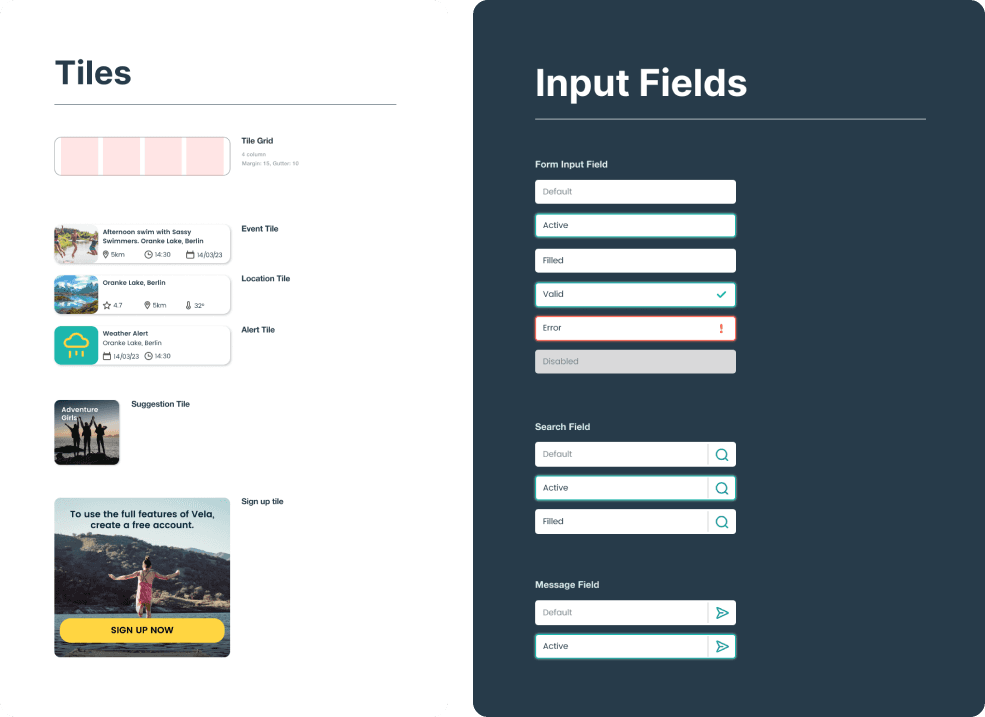
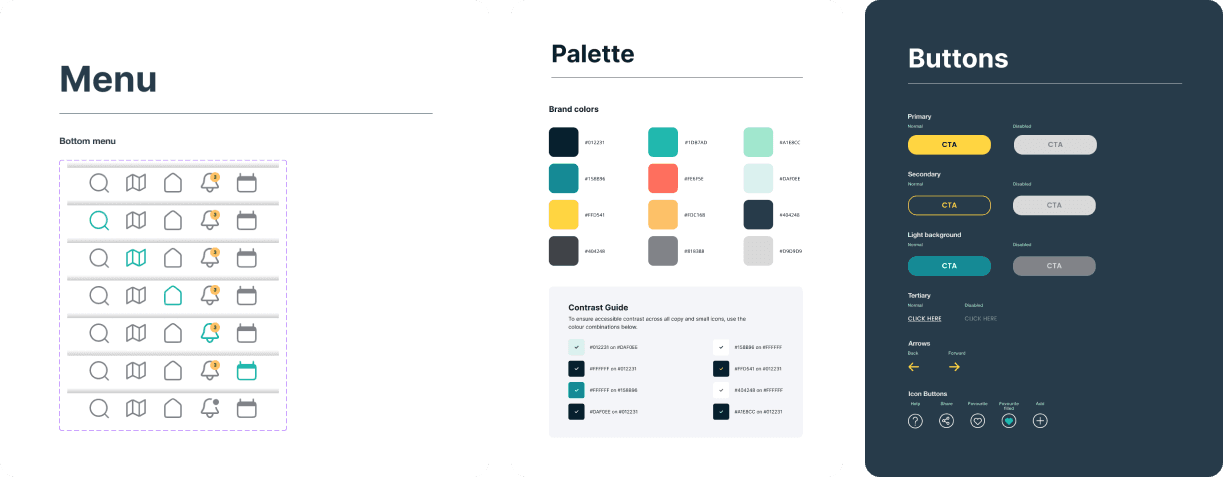
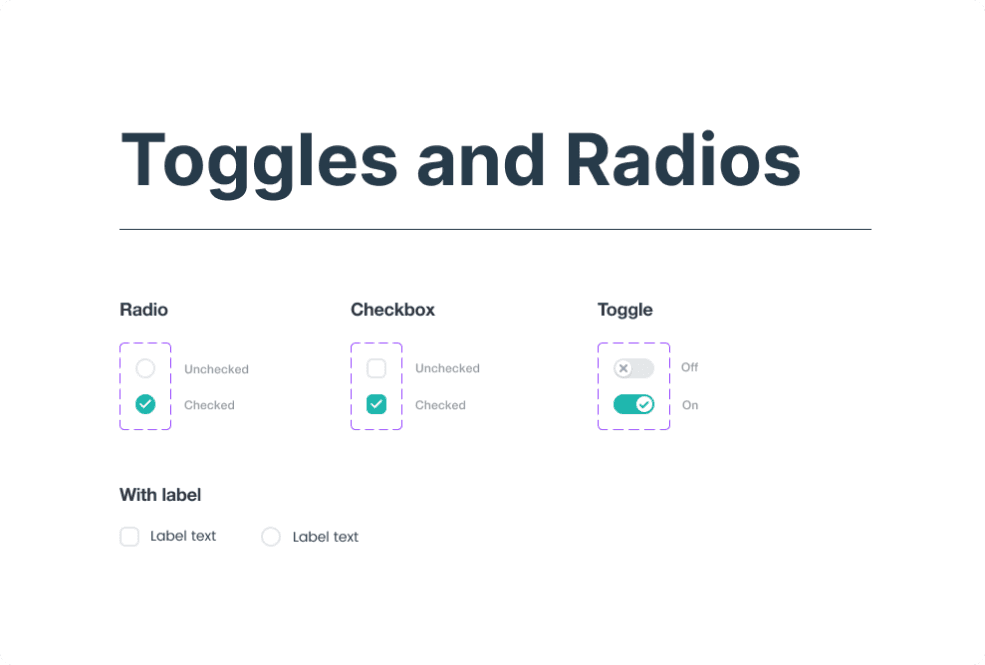
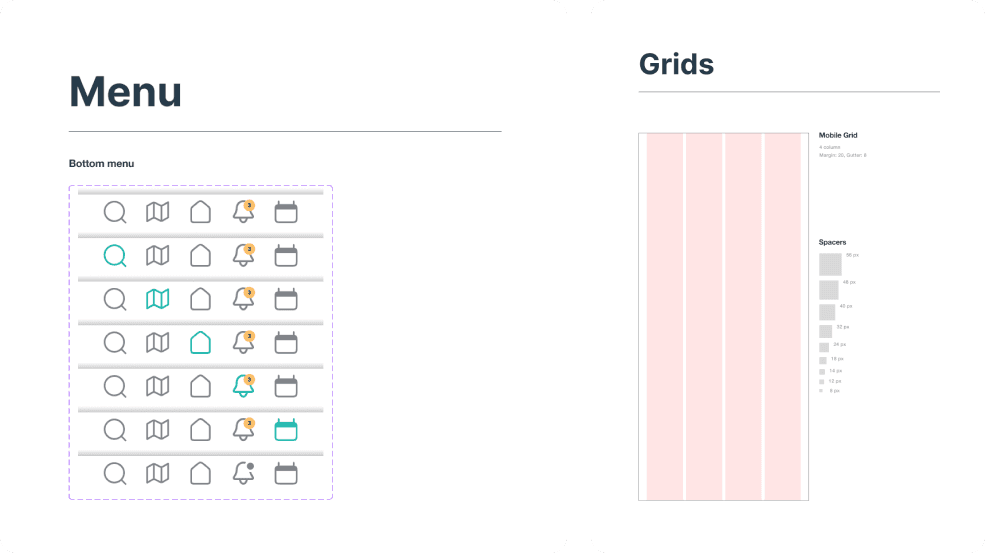
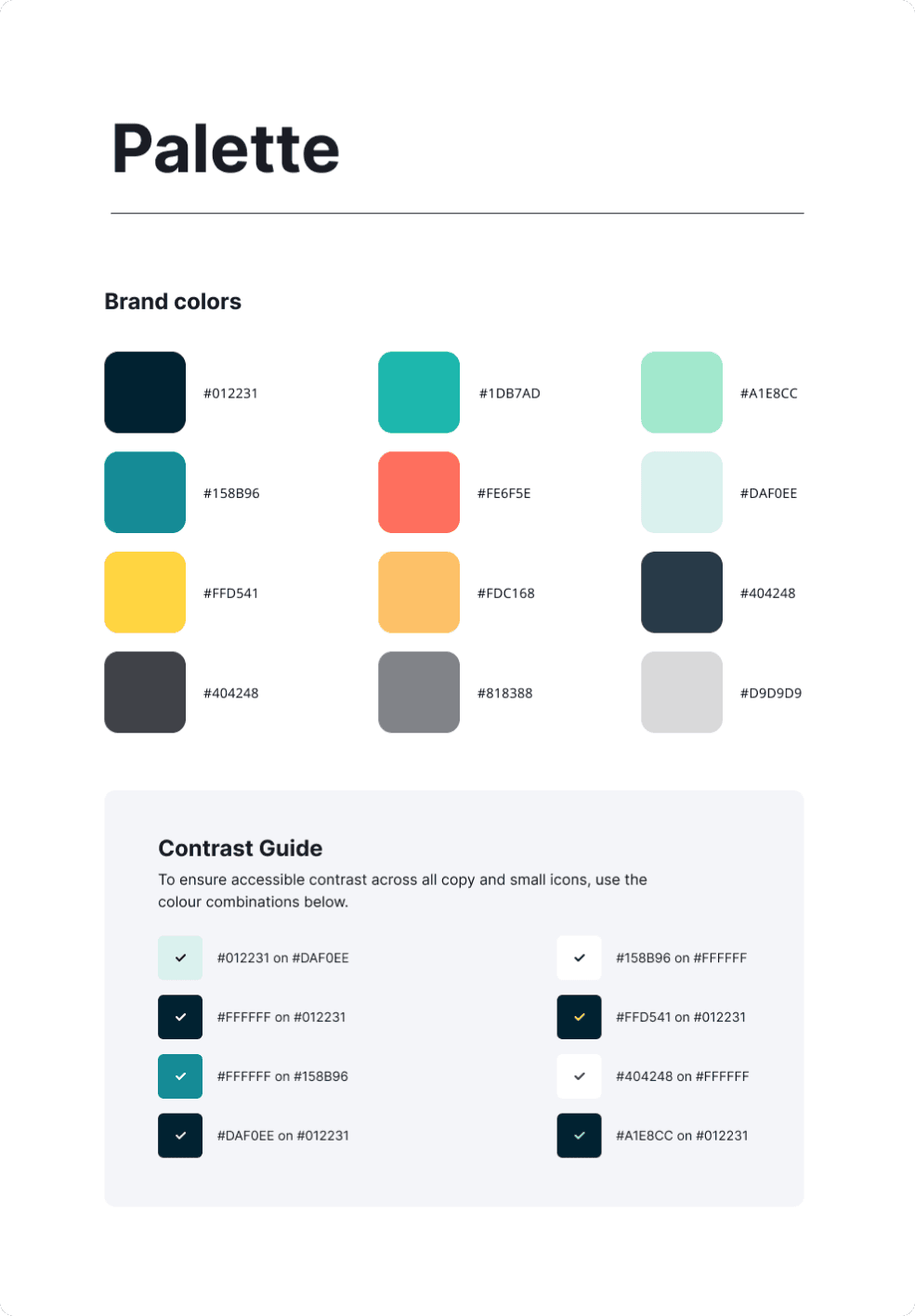
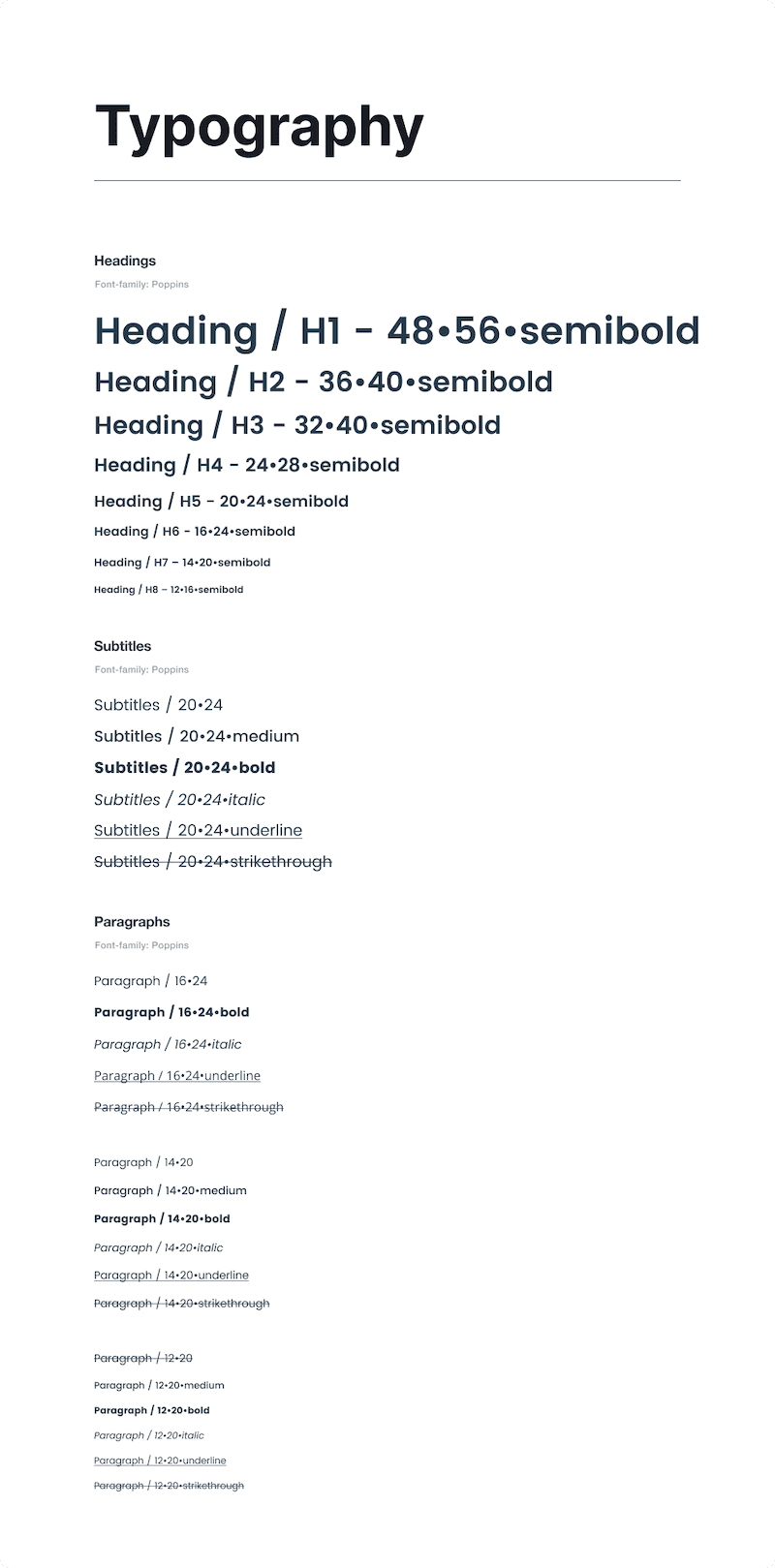
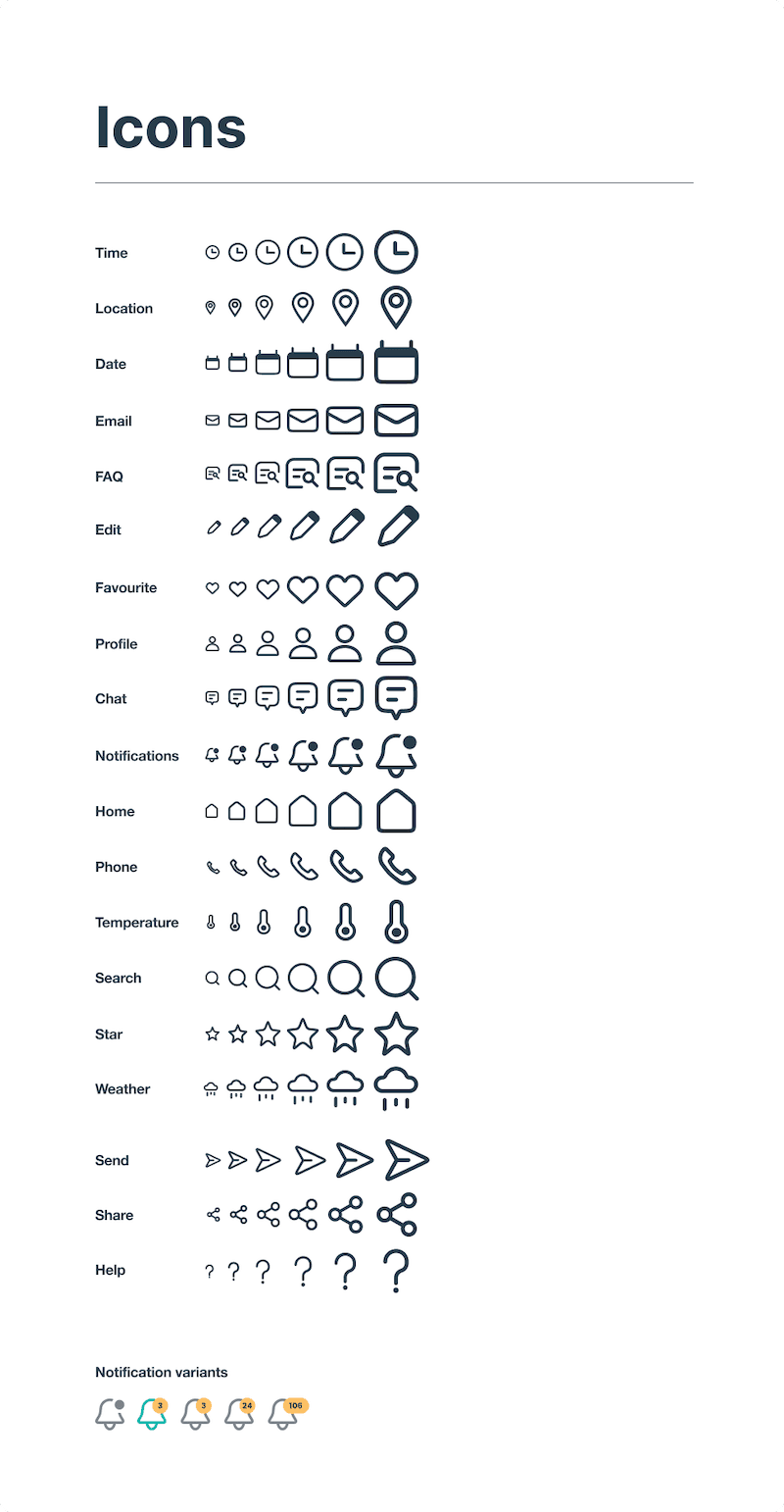
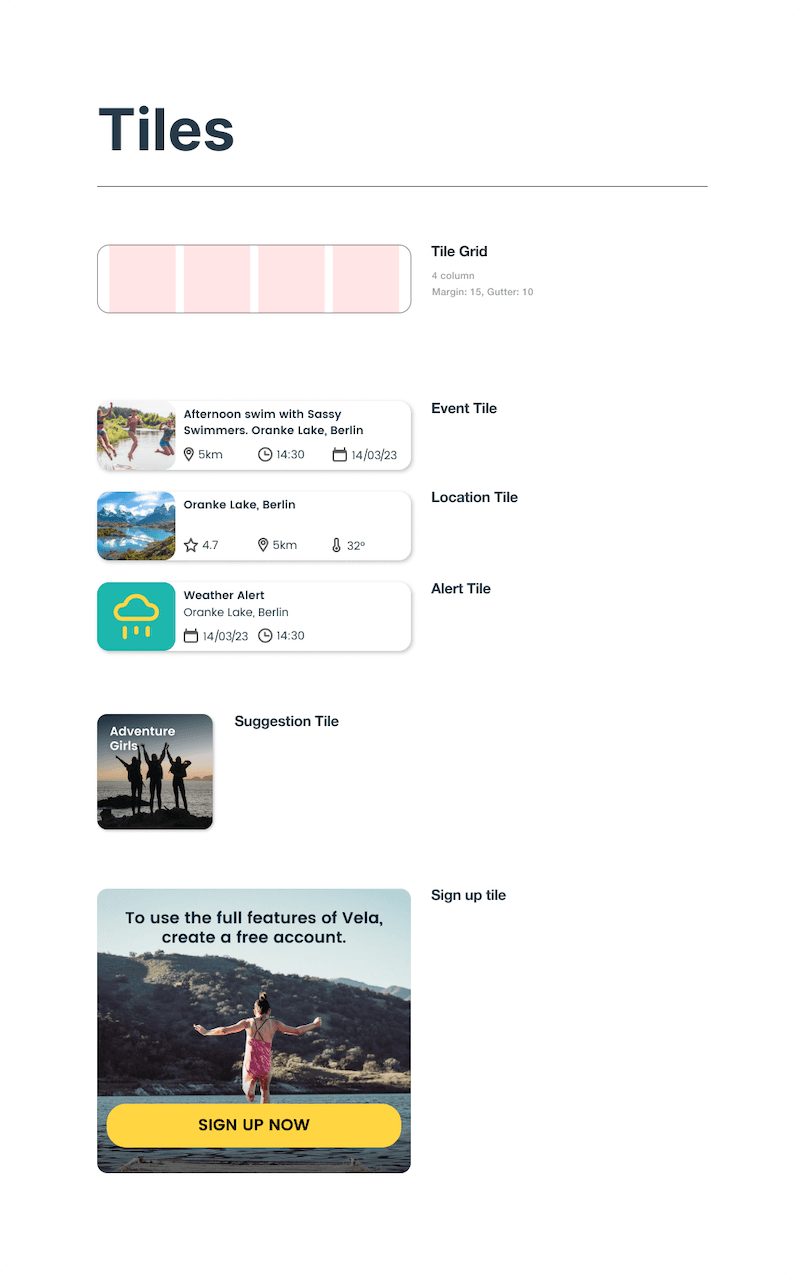
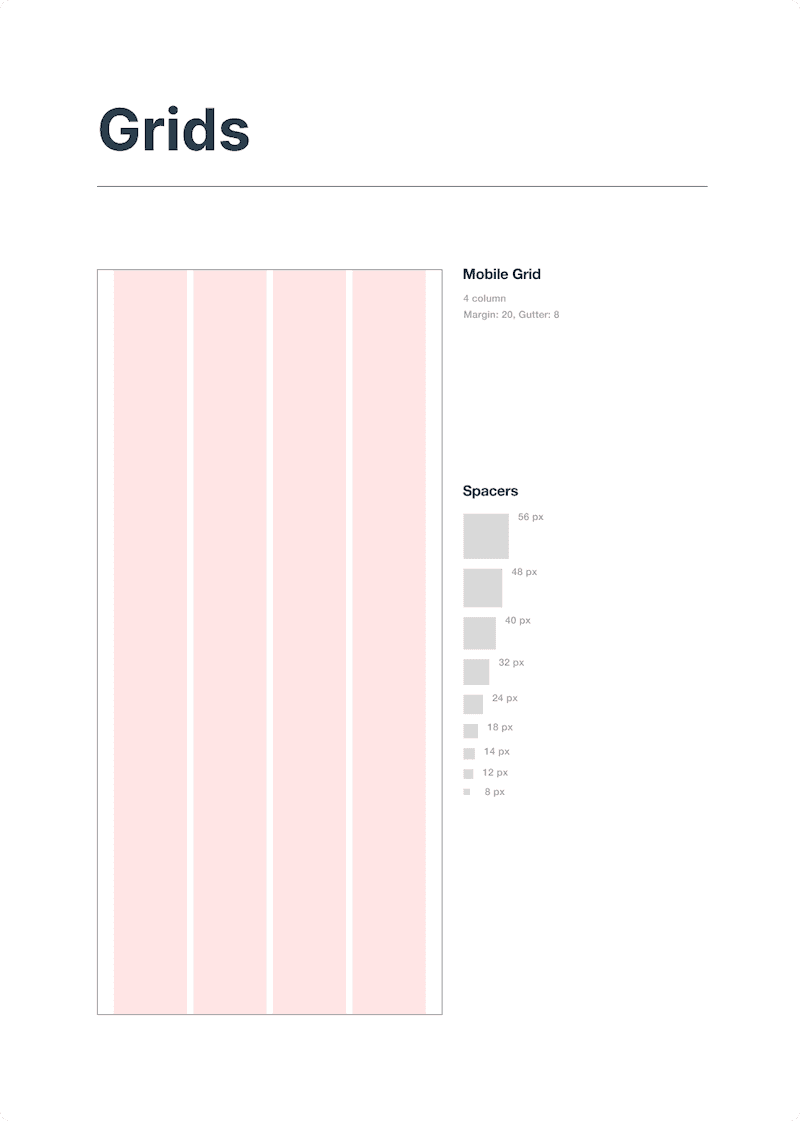
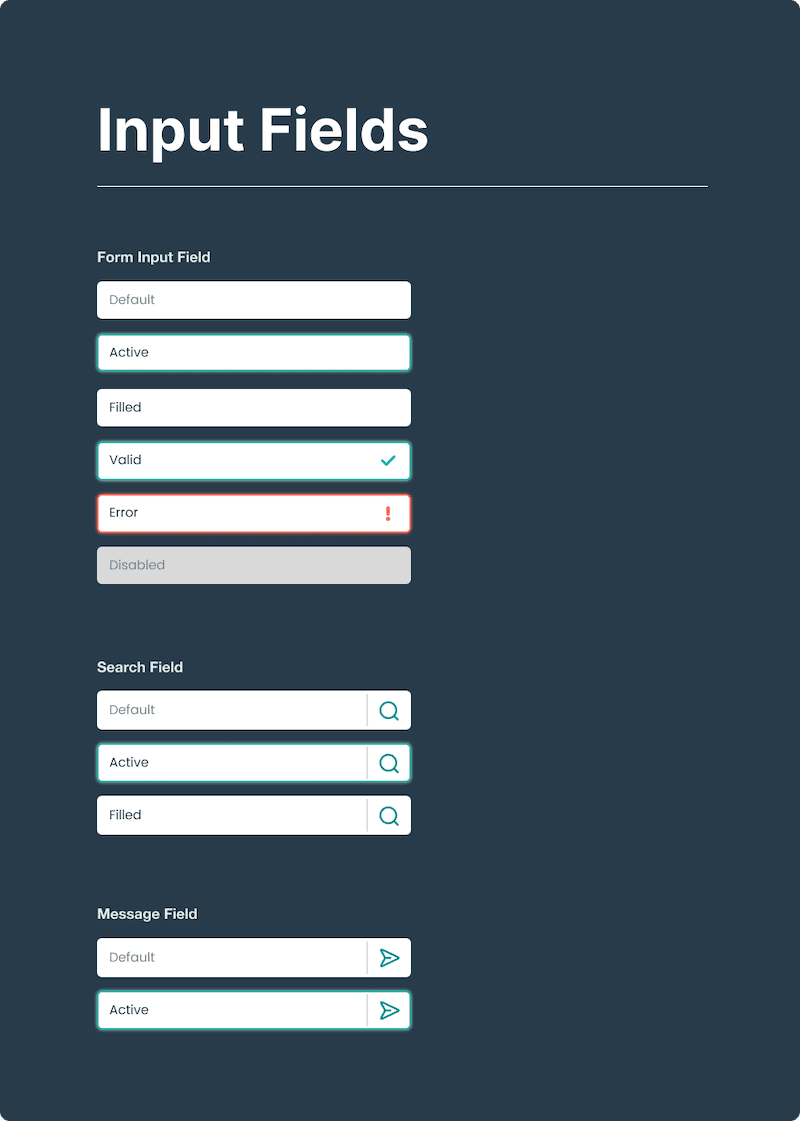
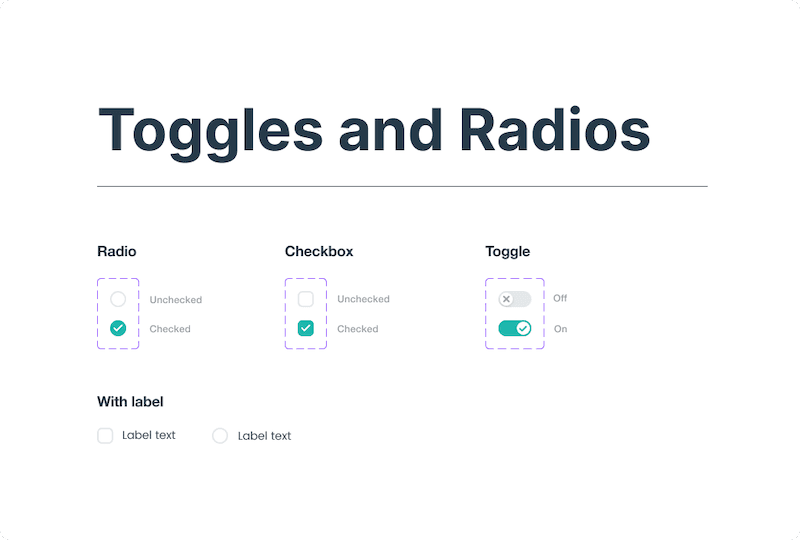
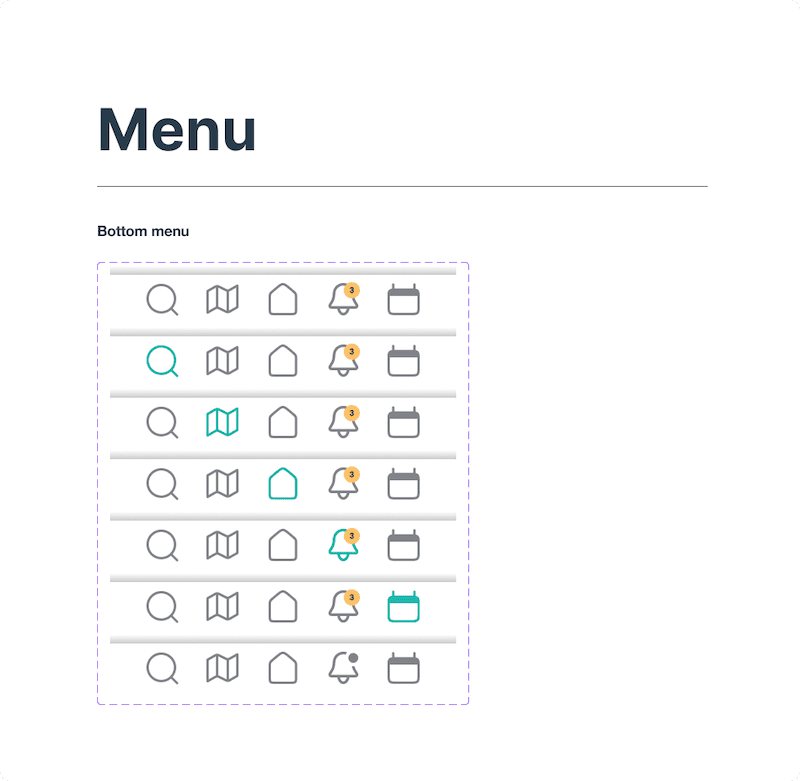
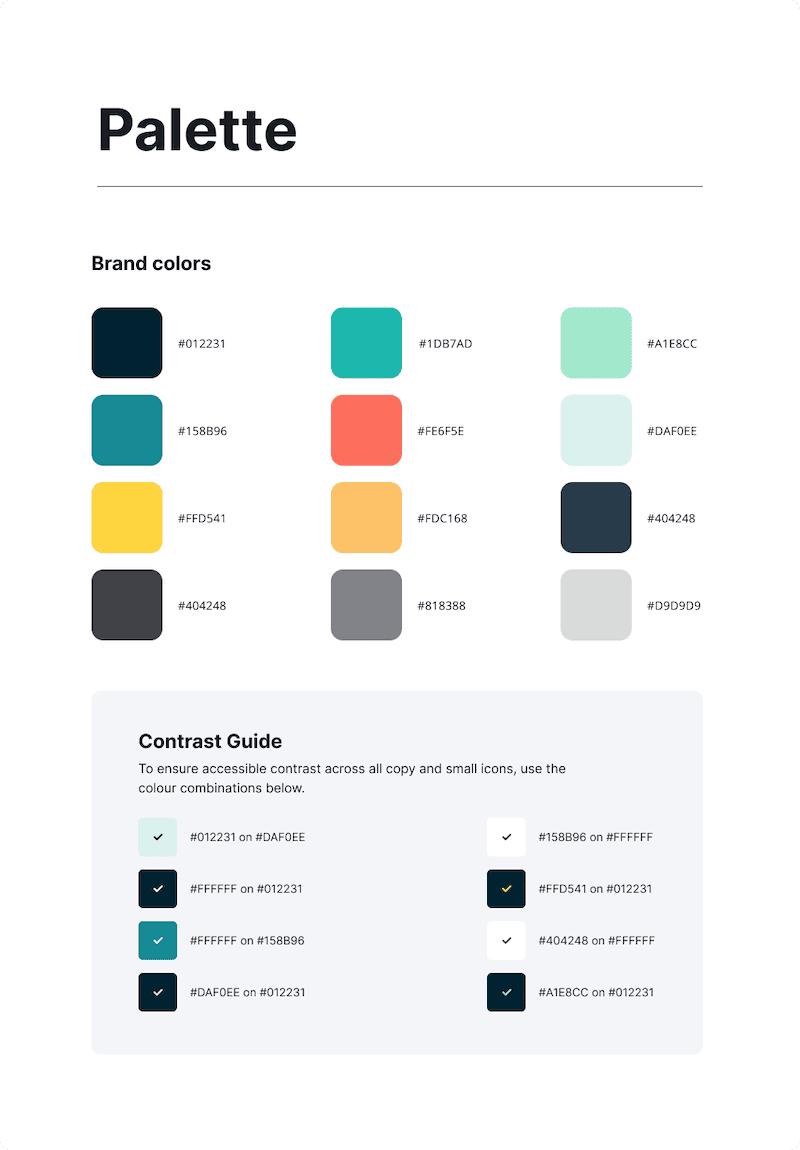
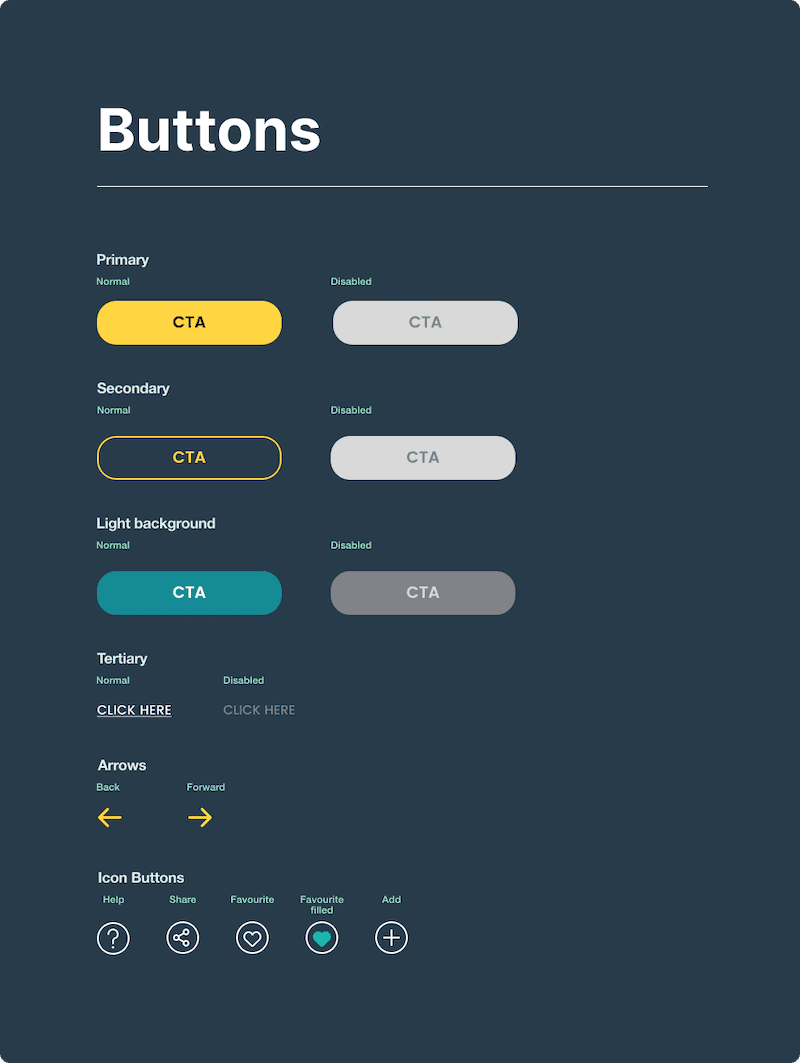
Design system
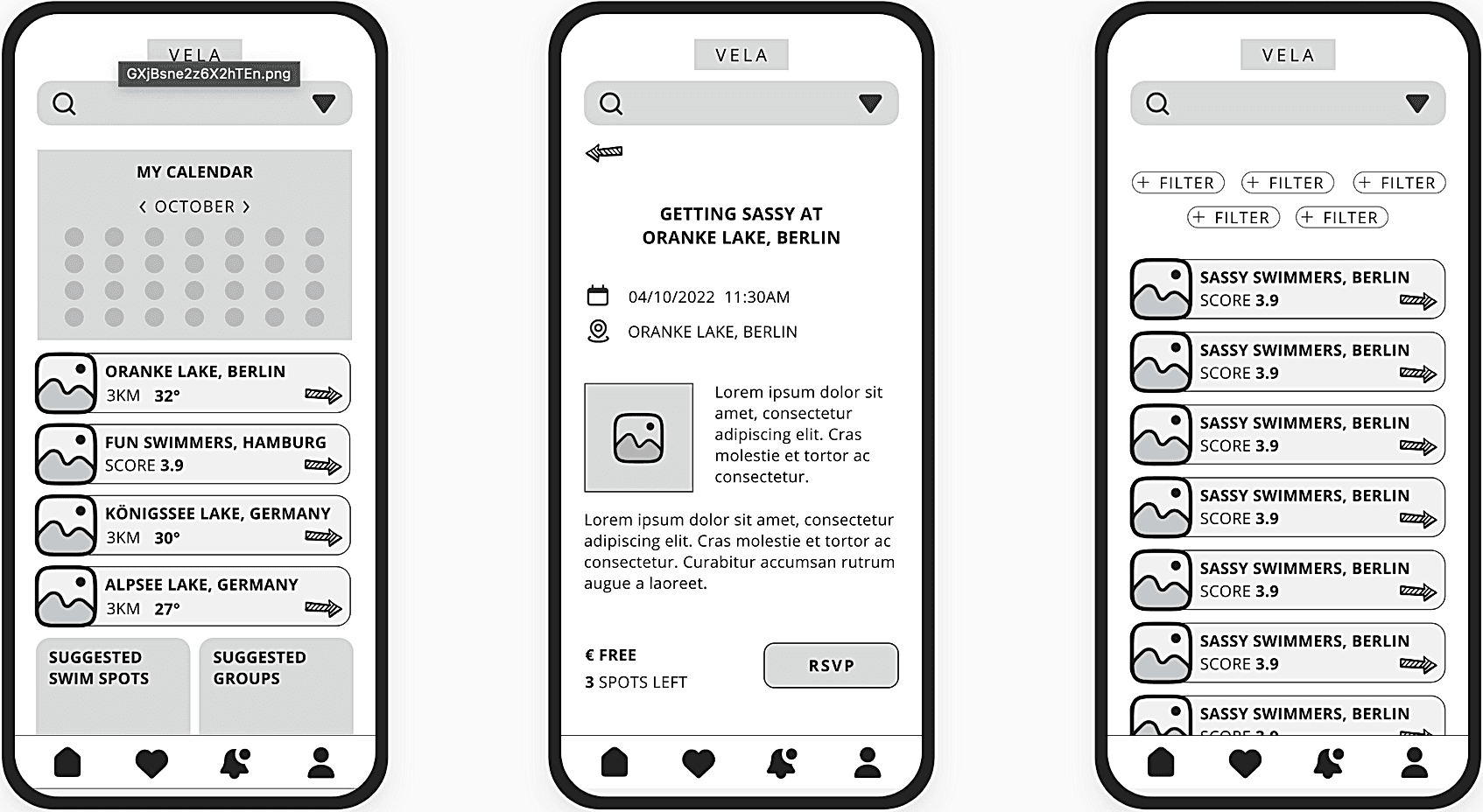
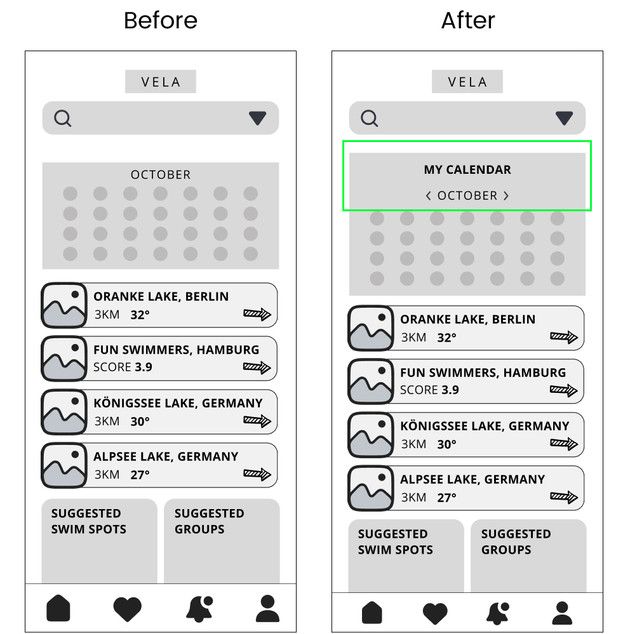
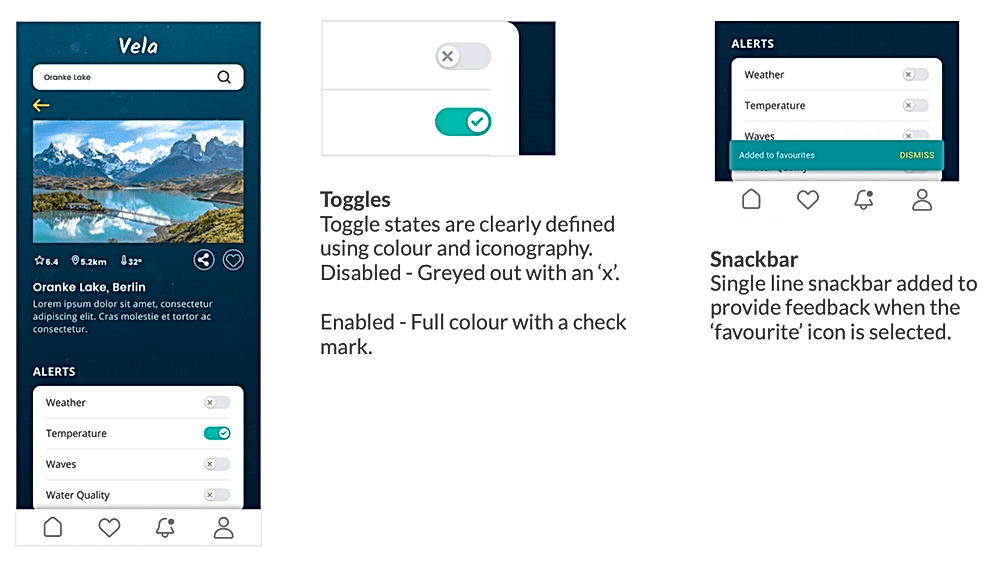
Working with the Material Design Guidelines, I went through my screens and applied changes where necessary to ensure they followed Material Design principles.
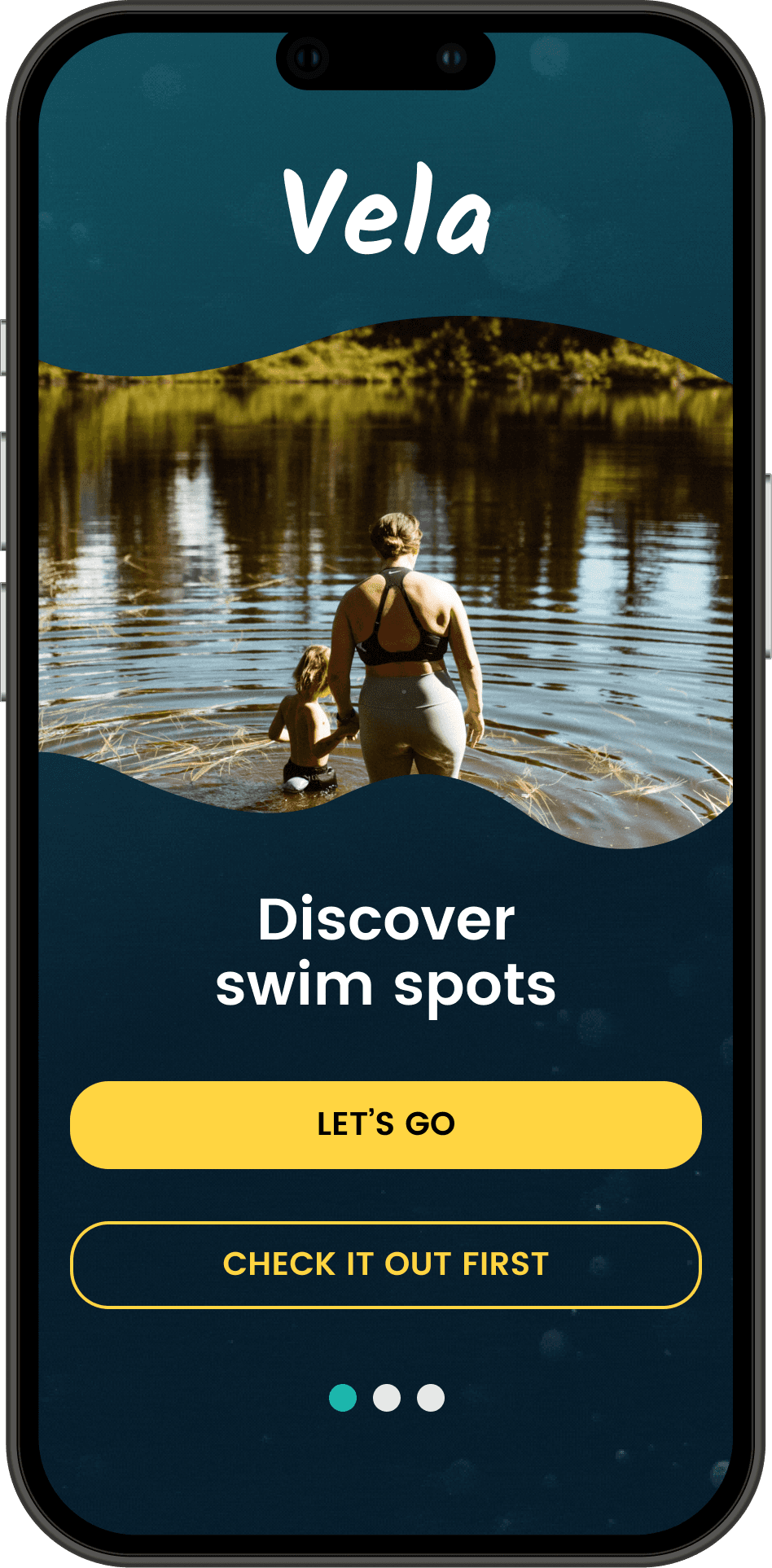
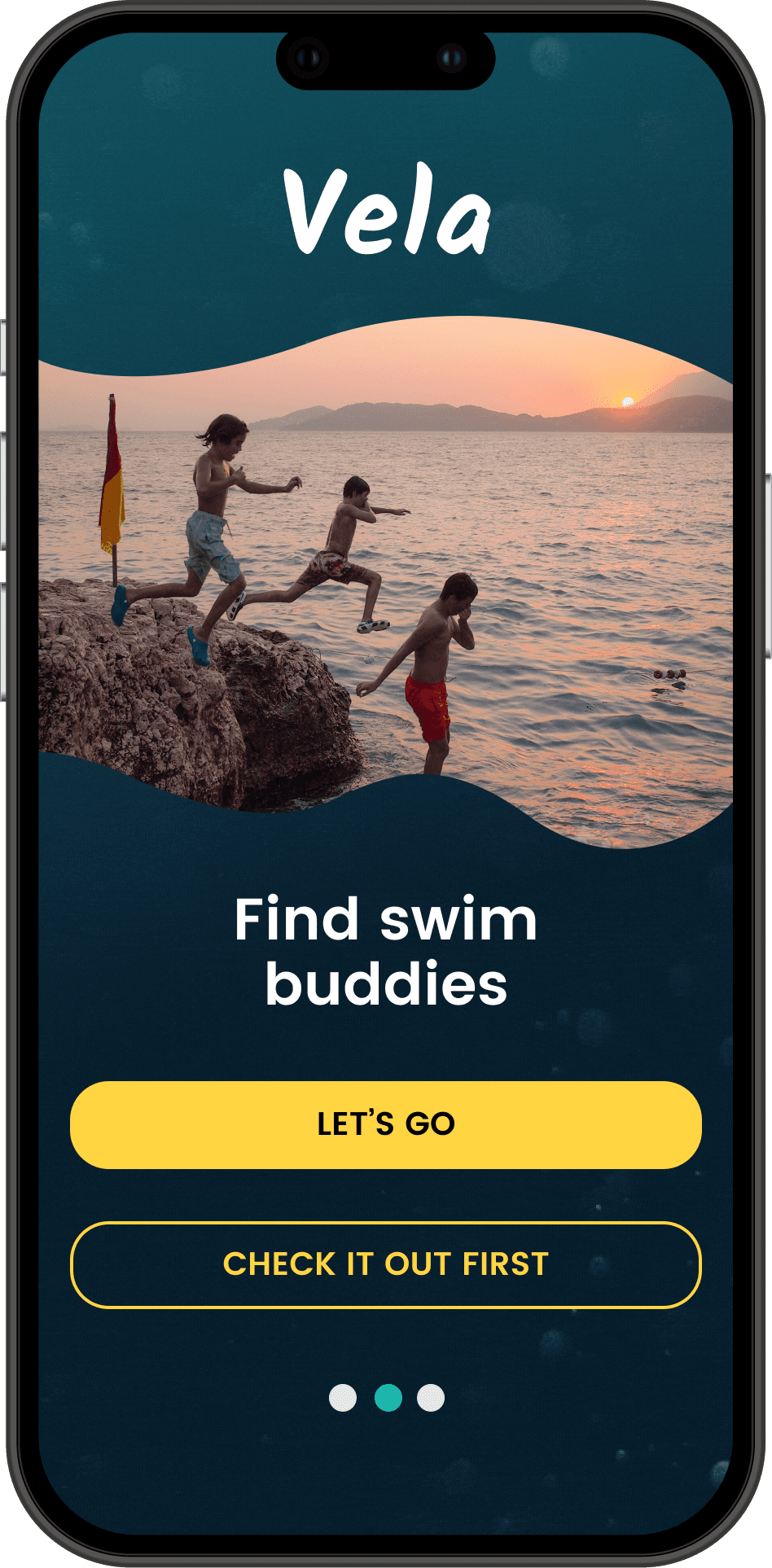
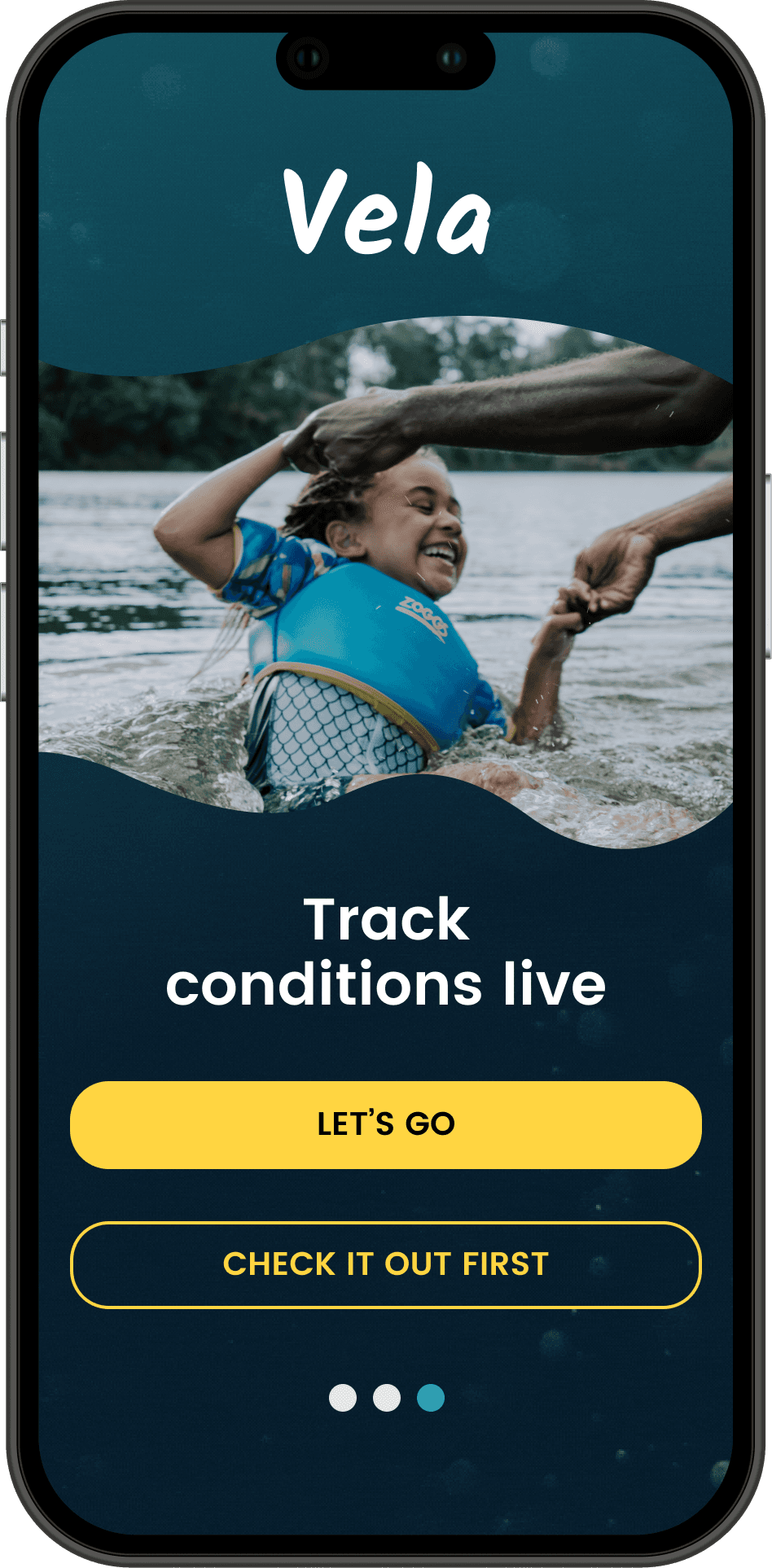
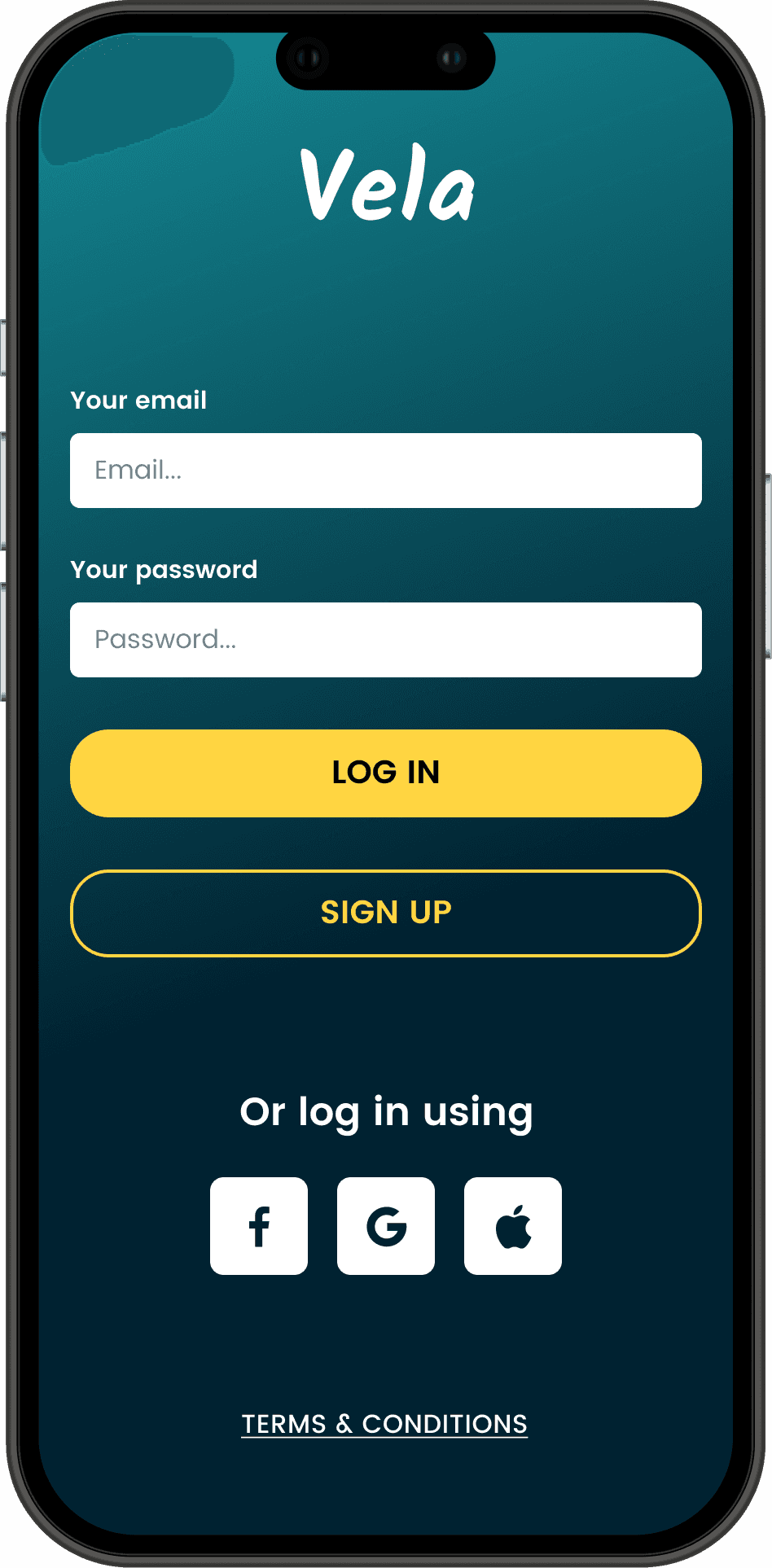
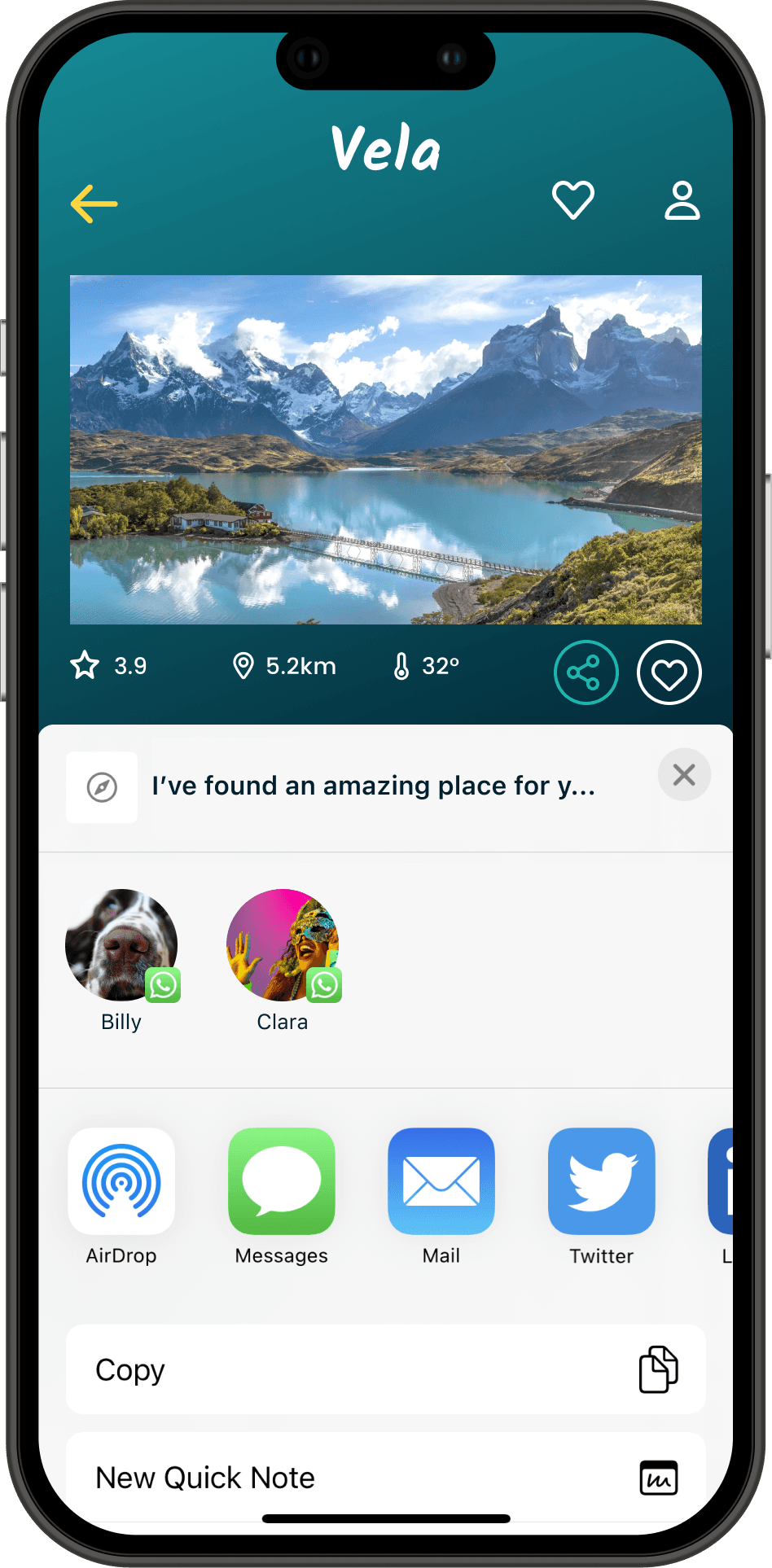
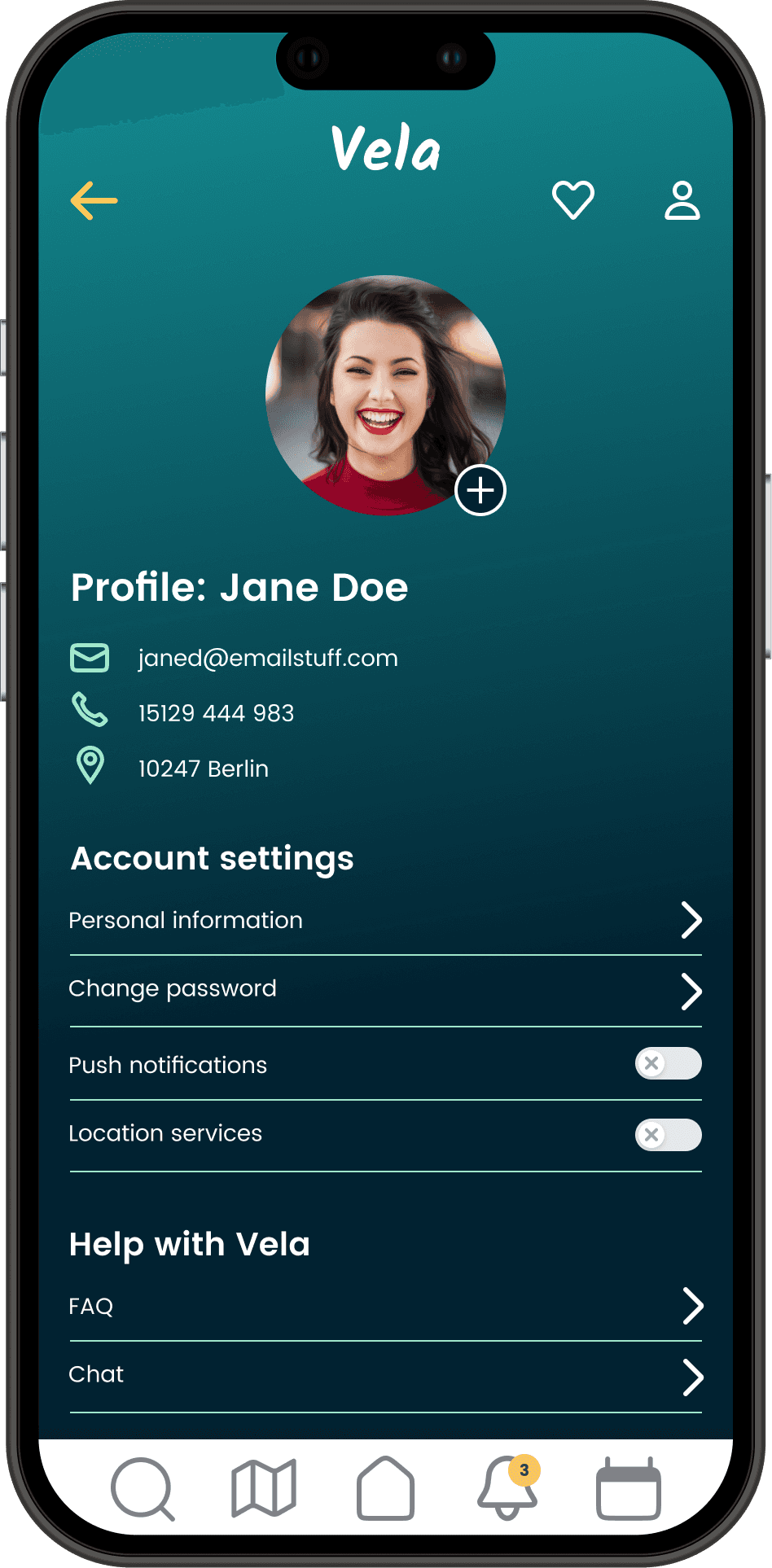
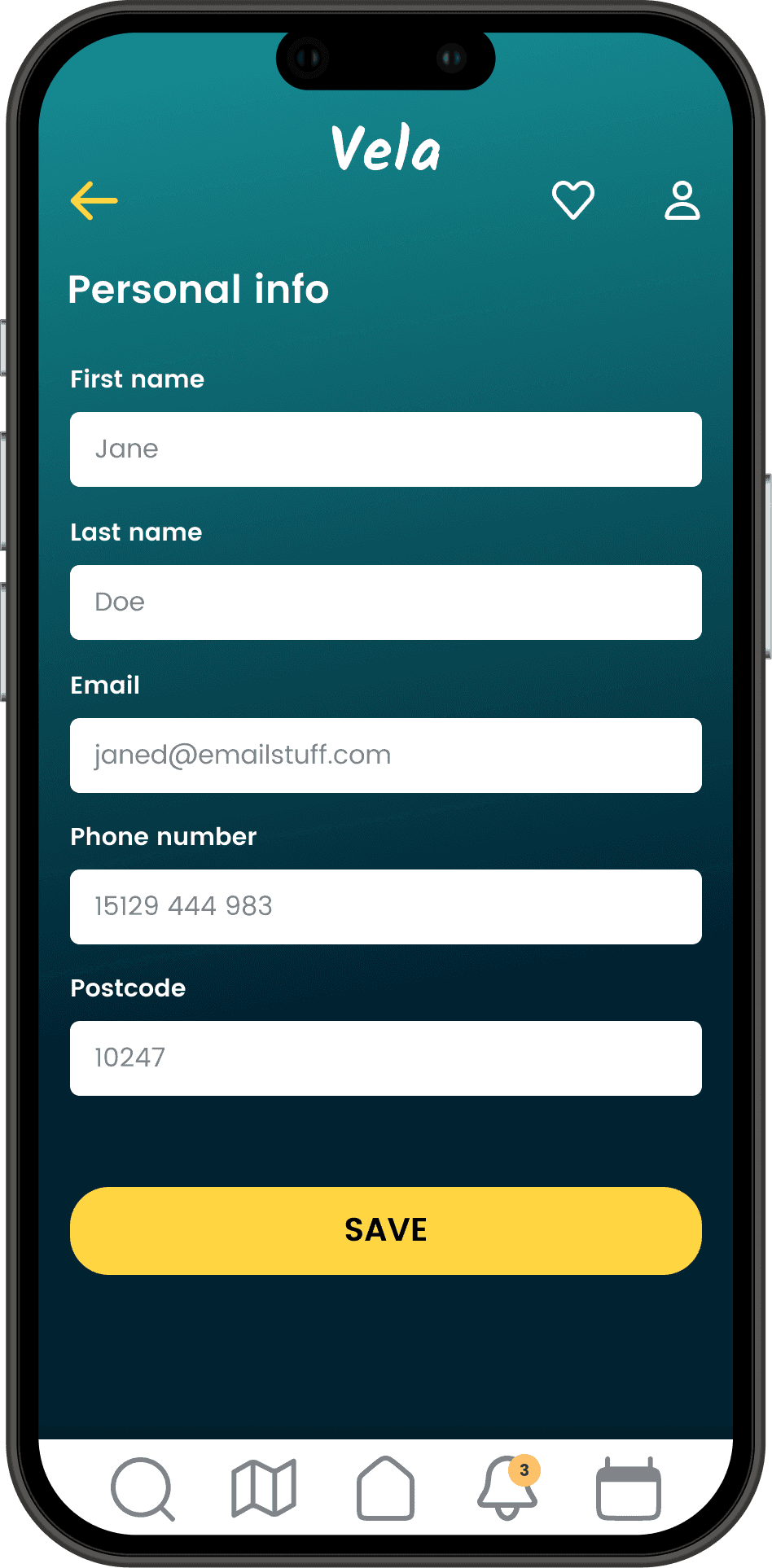
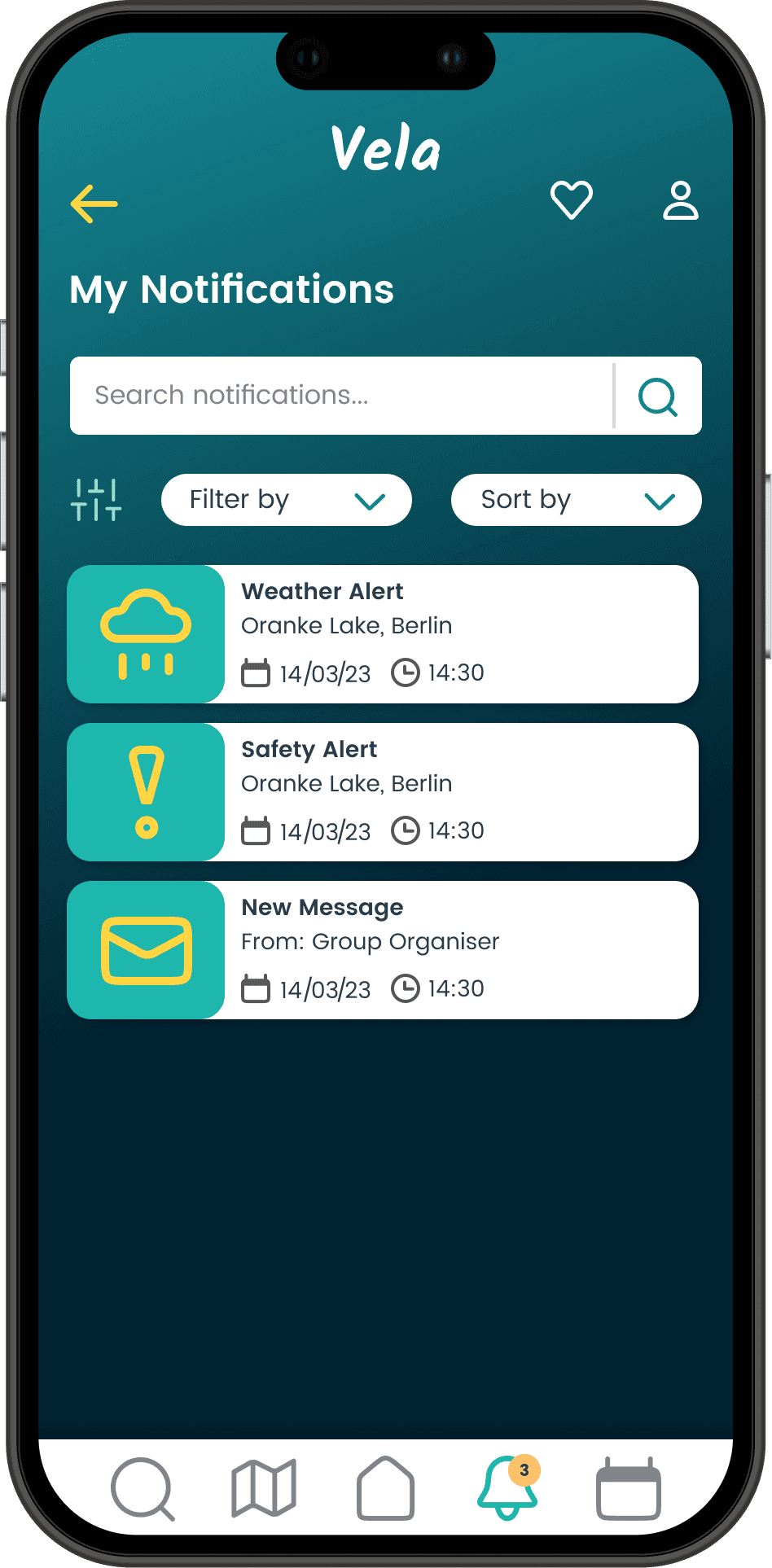
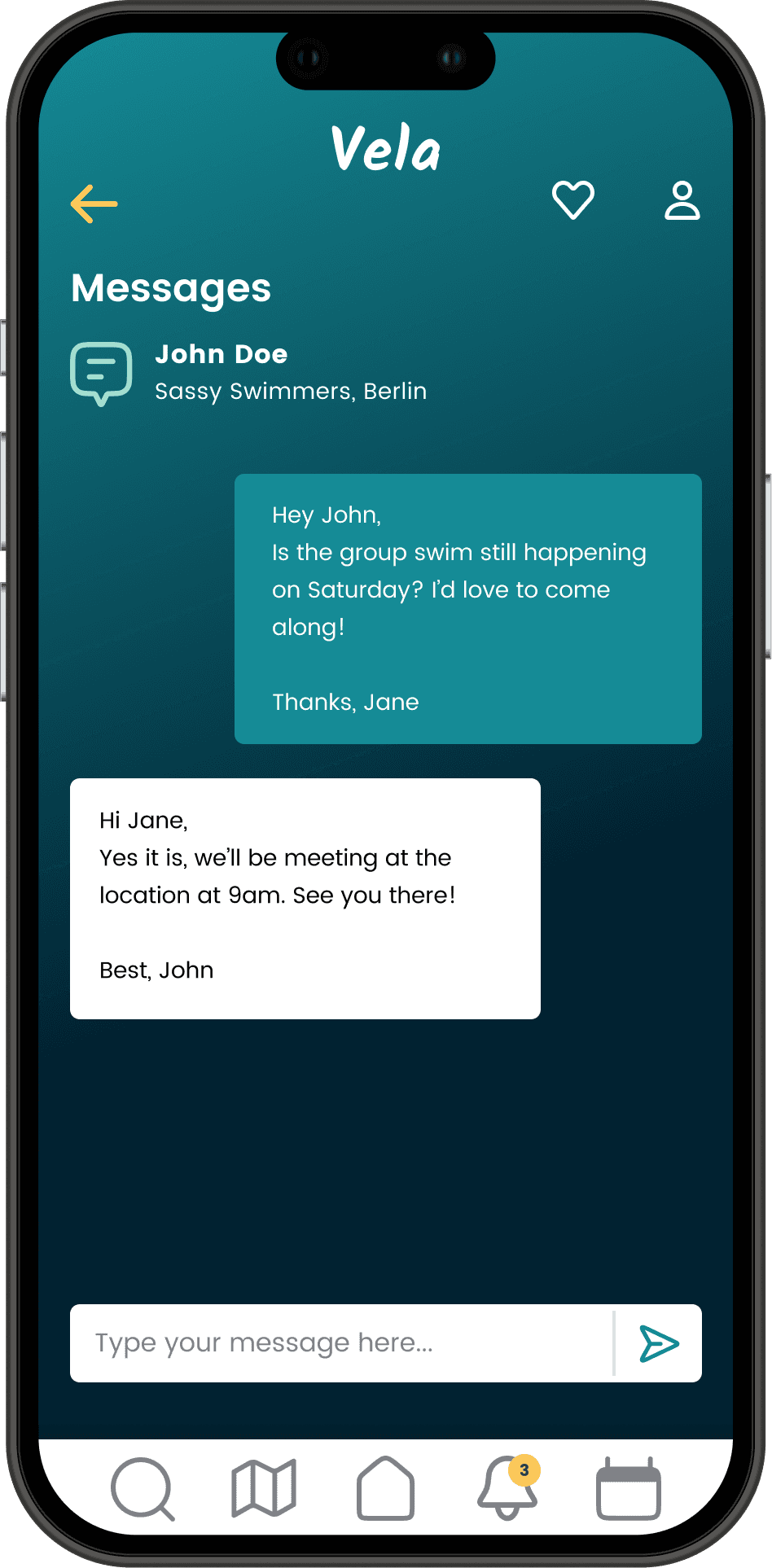
Final Designs
Final Designs
Future Plans
Future Plans
1
I would love to explore the social aspects of the app in more depth, specifically around the groups and events.
2
I would also like to explore the use of animation and motion within the UI and user interactions.
3
I plan to design and test my screens across medium and large screen sizes also, as this is a product intended to be fully responsive.
Reflection
Reflection
Leading the Vela project reinforced a core tenet of my design philosophy: rigorous user research and early, frequent testing are the most powerful tools for de-risking product development. Watching users interact with a prototype reveals unspoken hurdles that no amount of speculation can predict.
This project was not just about designing an app; it's about how a structured, empathetic design process can build products that users not only use but truly trust.
Leading the Vela project reinforced a core tenet of my design philosophy: rigorous user research and early, frequent testing are the most powerful tools for de-risking product development. Watching users interact with a prototype reveals unspoken hurdles that no amount of speculation can predict.
This project was not just about designing an app; it's about how a structured, empathetic design process can build products that users not only use but truly trust.